
Recommended
Transparency first
We recommend keeping the app visible on your child's device and having an honest conversation about why it's there. Research consistently shows this works better than secret monitoring.
Layar-time controls, content filters, location safety, dan risk alerts. Semua from one dashboard. Built for parents who want to stay involved without taking over.
Good parental controls aren't about secret surveillance. They're tools that help you stay involved in your child's digital life — with honesty, age-appropriate transparency, dan the conversations that matter.
We recommend keeping the app visible on your child's device and having an honest conversation about why it's there. Research consistently shows this works better than secret monitoring.
Layar time, app usage, location, dan risk signals update as activity happens. You see what matters, when it matters.
Android, iPhone, Windows, dan Mac — every device your child uses, managed from one place with consistent controls.
Block apps, filter content, set screen-time limits, define safe zones — all from your dashboard, without grabbing your child's device.
Built for parents, not analysts. Important things stand out. The rest stays out of your way.
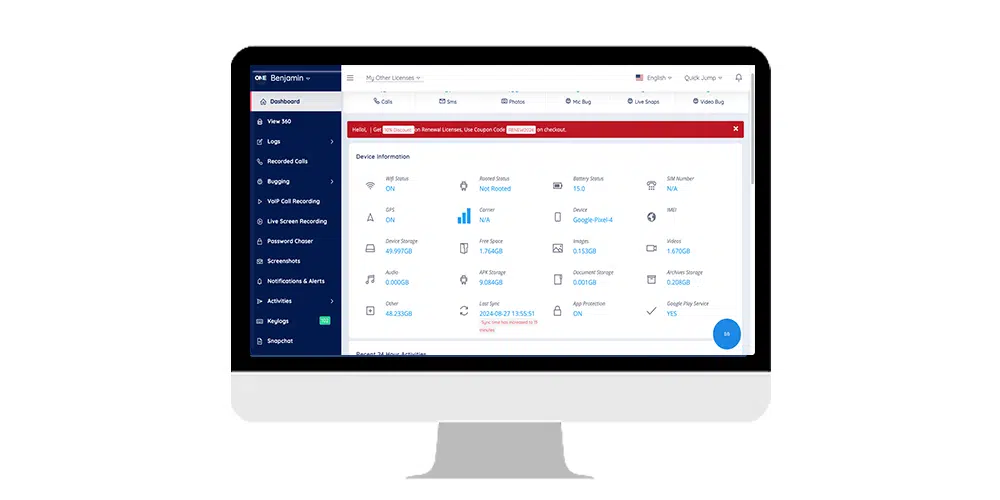
The most important step happens before installation. Kids handle this conversation better than parents expect.
Be direct. "I'm setting up parental controls on your phone. Here's what it does, dan here's what it doesn't."
Name the specific online risks. Then actually listen to their concerns and answer them honestly.
Negotiate up front. What would prompt a conversation? What would prompt action? Avoid the "you didn't tell me" fight later.
"I want to help you stay safe — as you show me you can handle more, we'll dial it back." Works better than "I don't trust you."
A unified dashboard for the parts of digital safety that actually matter for families.
See where your child is, get alerts on arrival and departure.
Set daily limits by app or category. Schedule device-free hours.
Block harmful or age-inappropriate sites and content categories.
See which apps your child spends time in. Spot new installs quickly.
Aktivitas overview for WhatsAplikasi, Instagram, TikTok, Snapchat & more.
Tidaktified when patterns suggest bullying, predator contact, or self-harm.
See your child's contacts and communication patterns.
See where your child is spending time online — context for conversations.
One account. Semua platforms. Consistent family-safety controls.
Our most complete platform. Layar time, content filters, location safety, dan risk alerts.
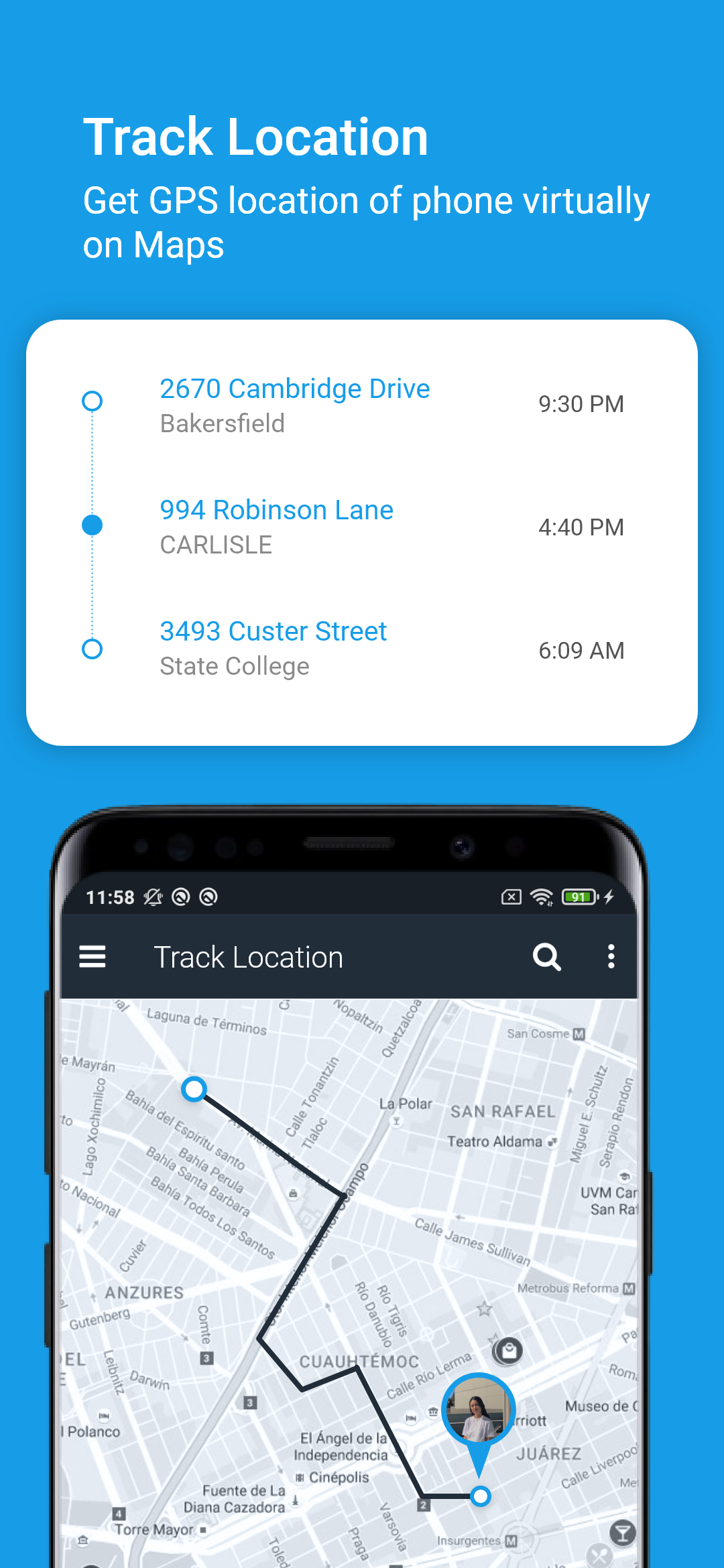
Layar time, location, contacts, app usage, dan supported social activity.
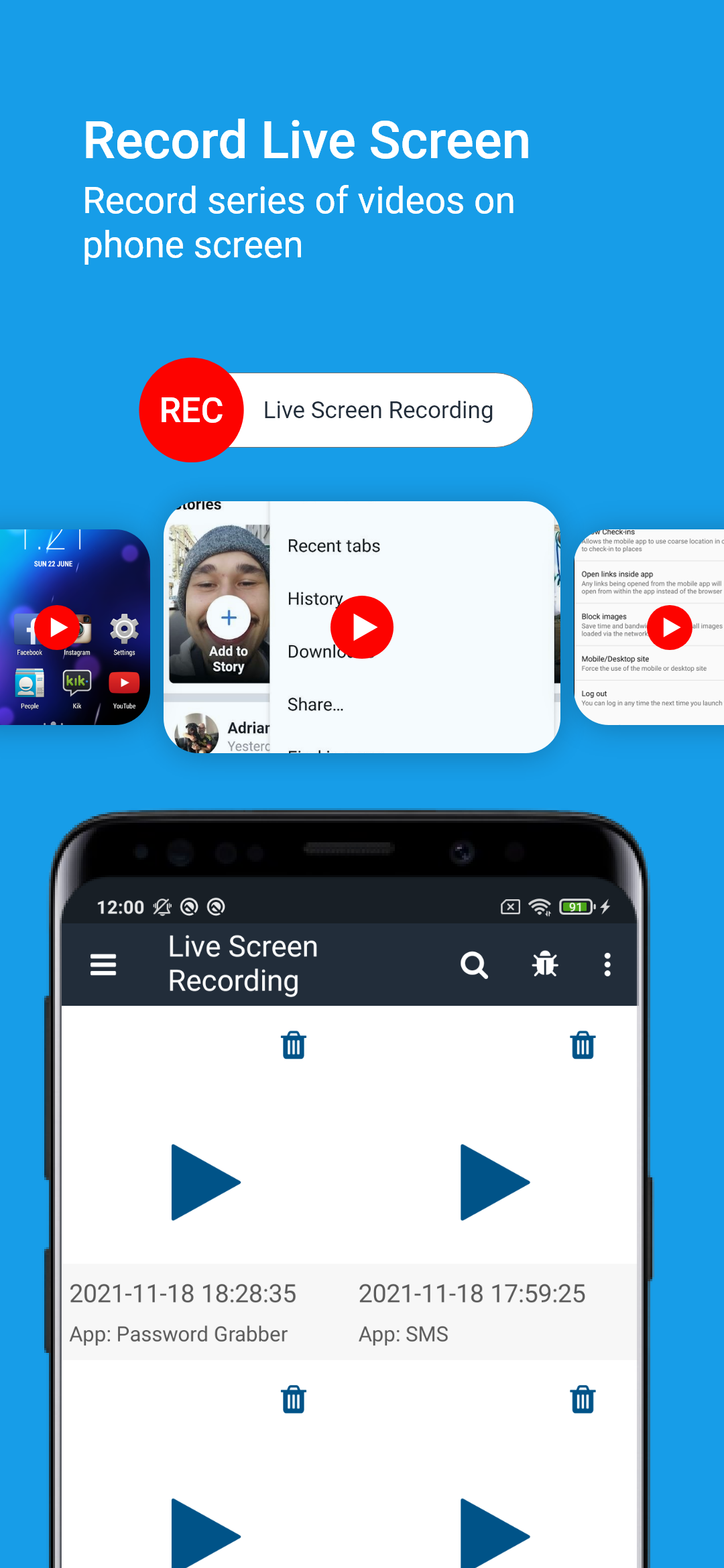
Content filtering, app management, browser history, dan screen activity records.
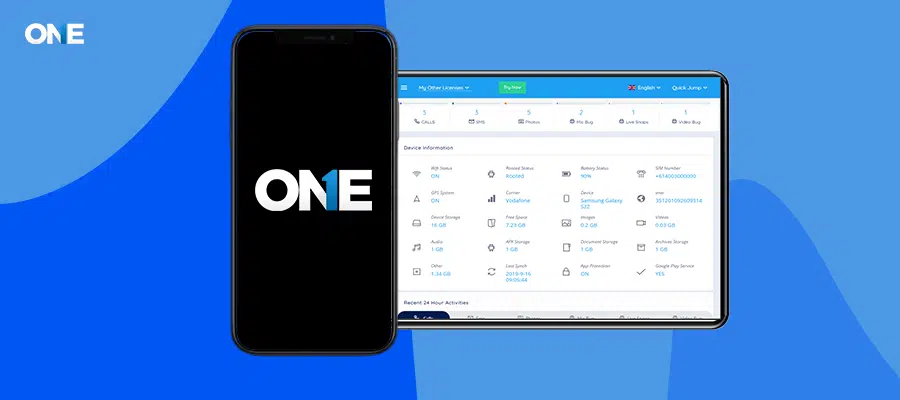
Content filtering, browser history, location, dan screen-activity records.
Read our detailed comparisons against the most popular parental-control apps.
Answers about how our parental controls work, what we recommend, dan where the legal and ethical lines are.
Ya. Keluarga-safety research consistently shows transparent parenting produces better digital-safety outcomes than secret monitoring. We recommend leaving the app visible on your child's device and having an honest conversation about why it's there and what it does.
In most jurisdictions, parents have the legal authority to monitor devices used by their own minor children. TheOneSpy is designed for this use case and for employer monitoring of company-owned devices with employee consent. Pasanging on a device belonging to another adult without their knowledge and ongoing consent is unlawful in most jurisdictions and prohibited by our Syarat Layanan.
Tell them what you're installing and why. Explain what you'll see and what you won't. Listen to their concerns. Agree together on what would prompt a conversation. Frame it as a partnership rather than as surveillance.
Android (7–16), iPhone and iPad (iOS 13–18), Windows (7–11), dan Mac (macOS 13–26). One account manages all your family's devices from a single dashboard.
Ya. From your dashboard you can block apps, websites, or content categories at any time, without needing to touch the device again.
Older teens (15+) are a different conversation. By that age, monitoring should be lighter, more transparent, dan increasingly negotiated. The goal at every age is to gradually shift from external supervision to your child's own judgment.
Pengaturan in under 10 minutes. 14-day money-back guarantee. 24/7 support along the way.
14-day money-back · all major devices · 24/7 support · cancel anytime
Software intended for legal use only. TheOneSpy is for parental supervision of devices used by your own minor children, dan employer monitoring of company-owned devices with employee consent. Pasanging on a device belonging to another adult without their knowledge and ongoing consent is unlawful in most jurisdictions and prohibited by our Syarat Layanan.