Both the setup device and your own device need an active internet connection throughout the process.
Android 设置
在 Android 设备上安装
Full feature coverage including calls, app usage, location history, S微秒,以及 social media — all visible in your dashboard from the moment setup completes.
Full feature set
Android 5.0+
约 5 分钟完成设置
Requirements
✓ Android 5.0 及以上版本
✓ Physical access to the device
✓ 设备密码或 PIN
✓ 活跃 subscription
✓ Internet connection on device
Step-by-Step
How 安装 Works
1
Log In to 仪表板
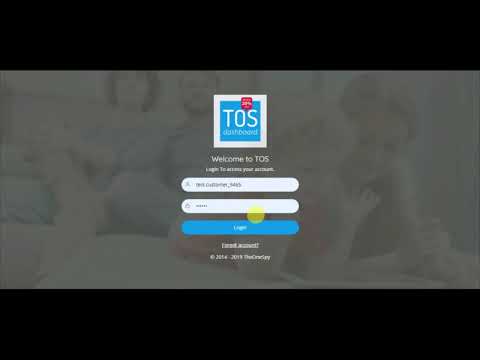
登录 dash.theonespy.com,复制您专属的安装链接或激活码。
2
Enable Unknown Sources
Settings → Security → enable "Install from Unknown Sources" for your browser.
3
Download and Install
Open the device browser, paste your setup link, download the APK,以及 tap Install.
4
Grant Permissions
Follow on-screen prompts to grant location, contacts,以及 accessibility permissions.
5
Link Your 账户
Enter your dashboard email. Data begins appearing in your dashboard within minutes.
安装指南
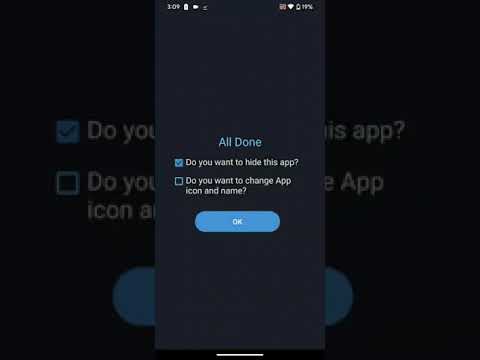
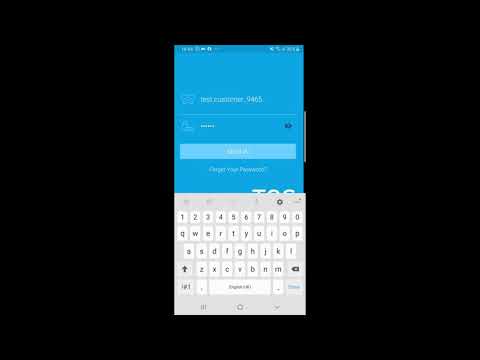
TheOneSpy 应用 安装指南 for Android
Uninstall Guide
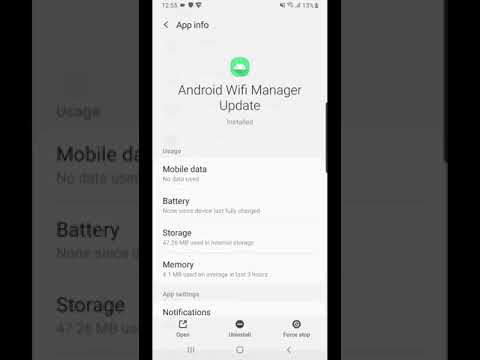
TheOneSpy 应用 Uninstall Guide for Android
使用技巧
Android 安装提示
⚡Samsung 设备
Unknown Sources is under Settings → Biometrics & Security → Install Unknown 应用程序. Enable it for your browser specifically.
🔋Disable battery optimisation
Settings → Battery → 应用 Optimisation → exclude the app to keep reporting consistent and uninterrupted.
📡First sync takes a few minutes
After setup, give the device a few minutes on Wi-Fi. Historical data appears on the dashboard once the first sync completes.
常见问题排查
Common Android 常见问题
Go to Settings → 应用程序 → [your browser] → Install Unknown 应用程序 and allow it. Samsung and Xiaomi devices have an additional Security menu with this setting.
Check the device has an active data or Wi-Fi connection. Open the app and confirm it shows your account email. Data should appear within 2–3 minutes of reconnecting.
i操作系统 support works via iCloud backup data — no direct device installation required. Access iCloud-synced contacts, call history, photos,以及 messages where available.
功能受限(仅支持 iCloud)
否 device access needed
约 3 分钟完成设置
Requirements
✓ i操作系统 device with iCloud enabled
✓ Apple ID 及密码
✓ iCloud backup turned on
✓ 活跃 subscription
⚠ Two-Factor Auth code (if enabled)
ℹ️
有限 功能 Set: i操作系统 does not permit direct installation of monitoring software outside the 应用 Store. TheOneSpy accesses iCloud-synced data only. For full feature access, use Android, Windows, or Mac.
Step-by-Step
iCloud 设置过程
1
启用 iCloud 备份
Settings → [your name] → iCloud → iCloud Backup → toggle on → "Back Up 否w".
2
Log In to 仪表板
登录 TheOneSpy 控制台,选择您的 iOS 订阅,然后点击「立即设置」。
3
输入 Apple ID
输入与设备绑定的 iCloud 账户所对应的 Apple ID 邮箱及密码。
4
验证双重认证码
如果已启用双重验证,请输入来自受信任 Apple 设备的 6 位验证码。
5
查看 仪表板 Data
iCloud data loads into your dashboard. Timing depends on iCloud backup frequency.
安装指南
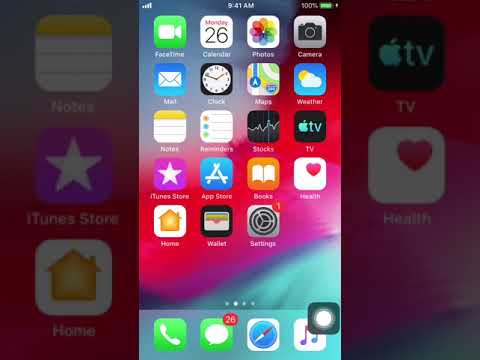
在任意 iPhone 上安装 TheOneSpy
Uninstall Guide
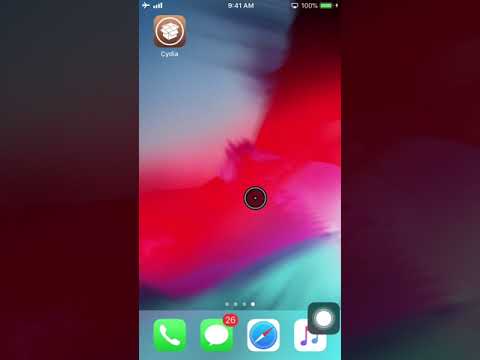
Un-installation Guide for iPhone
常见问题排查
Common i操作系统 常见问题
Confirm iCloud Backup is turned on and a recent backup has completed. Check Settings → [your name] → iCloud → iCloud Backup → "Last Backup" timestamp. Trigger a manual backup and wait 5–10 minutes.
6 位验证码将显示在登录同一 Apple ID 的任意设备上,请尽快输入——该验证码将在 30 秒后失效。
iCloud only backs up categories enabled in Settings → [your name] → iCloud. Messages, 联系人,以及 Photos must each be toggled on. 全部ow up to 24 hours after enabling.
Windows 设置
在 Windows 电脑上安装
Records keystrokes, screenshots, website history,以及 app usage from any Windows PC or laptop — running quietly in the background with minimal performance impact.
Full desktop feature set
Windows 7 及更高版本
约 10 分钟完成设置
Requirements
✓ Windows 7、8、10 或 11
✓ Admin access to the computer
✓ 50 MB 可用磁盘空间
✓ 活跃 subscription
✓ Internet connection
Step-by-Step
Windows 安装 Process
1
Download Installer
登录管理面板,进入您的 Windows 订阅,下载安装程序 .exe 文件。
2
禁用防病毒软件
安装过程中请暂时关闭 Windows Defender 或杀毒软件,安装完成后立即重新开启。
3
以管理员身份运行
Right-click the .exe → "Run as administrator". Accept the UAC prompt when asked.
4
Enter 账户 Key
Paste the unique activation key from your dashboard. This links the install to your account.
5
Complete & Restart
Follow remaining prompts and restart. Data begins appearing in your dashboard within minutes.
安装指南
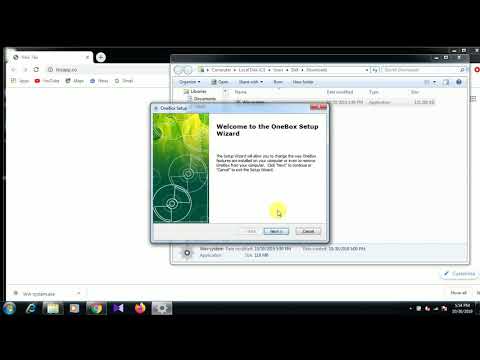
在 Windows 设备上安装 TheOneSpy
Uninstall Guide
在 Windows 上卸载 TheOneSpy 应用
使用技巧
Windows 设置 Tips
🛡️Defender 排除项
Add the app to exclusions: Windows Security → Virus & threat protection → Exclusions → Add folder.
👤支持多个 Windows 账户
The app records the user account it was installed under. Install while logged into the account you want to review.
📸屏幕shot frequency
Adjust screenshot frequency from your dashboard at any time. Start with every 5 minutes and increase as needed.
常见问题排查
Common Windows 常见问题
Disable real-time protection before downloading: Windows Security → Virus & threat protection → Manage settings → toggle off. Download and install, then re-enable. Add the app folder to Exclusions.
Click "More info" on the Smart屏幕 warning, then "Run anyway". This appears for software that hasn't built up a large download count — it is not an indicator of a problem with the file.
Restart the computer fully after installation. Ensure the device has an active internet connection and wait 5 minutes. First sync of historical items may take a little longer.
Mac 设置
在 Mac 电脑上安装
可记录 macOS 上的键盘输入、浏览活动、应用使用情况及屏幕截图,完全支持 Apple Silicon(M1/M2/M3)及所有 Intel Mac 机型。
Full desktop feature set
mac操作系统 10.12 Sierra+
约 10 分钟完成设置
Requirements
✓ macOS 10.12 Sierra 或更高版本
✓ Admin account on the Mac
✓ 80 MB 可用磁盘空间
✓ 活跃 subscription
✓ Internet connection
Step-by-Step
Mac 安装 Process
1
Download the DMG
From your dashboard, download the Mac installer (.dmg). Save it to the 桌面 for easy access.
2
Open and Install
Double-click the .dmg, drag the app to 应用lications. mac操作系统 may ask for your admin password.
3
在安全设置中允许
System Settings → 隐私 & Security → click "Open Anyway" next to the app name.
4
Grant Permissions
应用rove 屏幕录制, Accessibility,以及 Full Disk Access when prompted. Each unlocks related features.
5
Enter 账户 Key
Enter the unique key from your dashboard. Data sync begins immediately.
安装指南
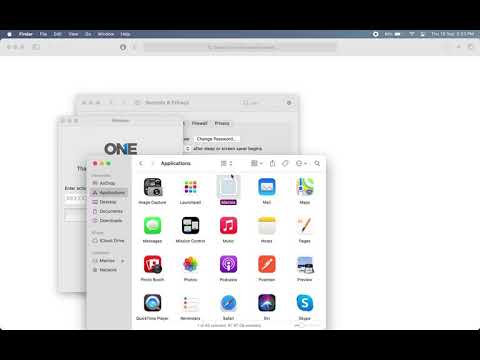
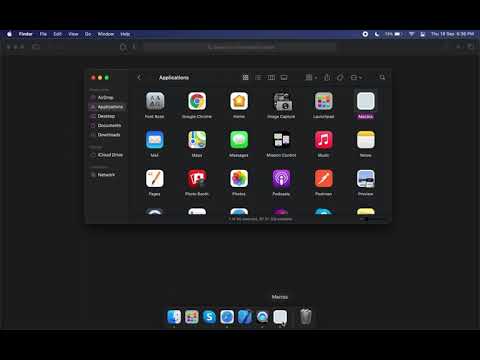
应用 安装指南 for Mac
Uninstall Guide
Un-installation Guide for Mac
使用技巧
Mac 设置 Tips
🔐完全磁盘访问权限至关重要
Without Full Disk Access many file-activity features are limited. Grant it in System Settings → 隐私 & Security → Full Disk Access.
🍎Apple Silicon(M1/M2/M3)
The app runs natively on 应用le Silicon. If mac操作系统 asks about Rosetta, click "Open" without Rosetta for best performance.
🔄macOS 更新后
Major mac操作系统 updates can reset app permissions. If data stops syncing, revisit 隐私 & Security and re-grant permissions.
This happens when the app is not in the 应用lications folder (e.g., run directly from DMG). Move it to 应用lications first, then open from there.
The app must be installed under each mac操作系统 user account separately. Log into the other account and repeat the installation steps with the same account key.
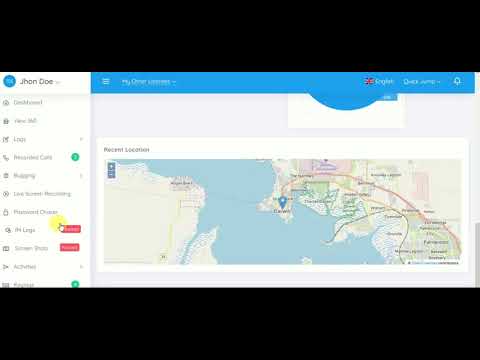
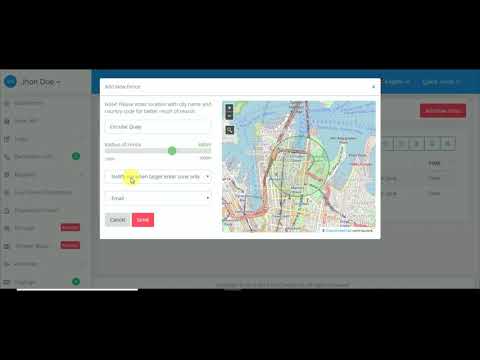
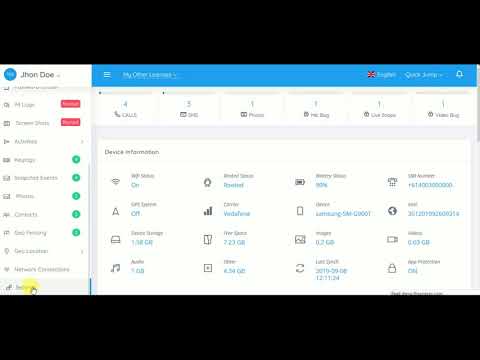
TheOneSpy 如何运作
功能 Video 指南
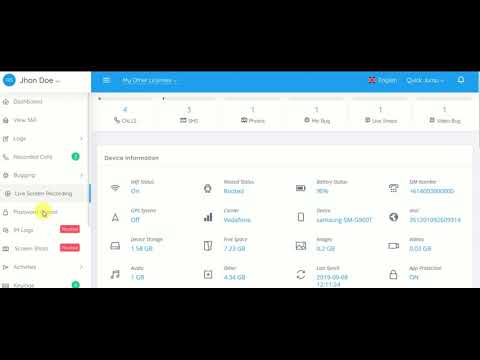
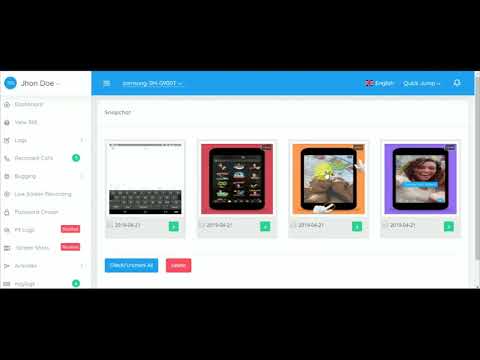
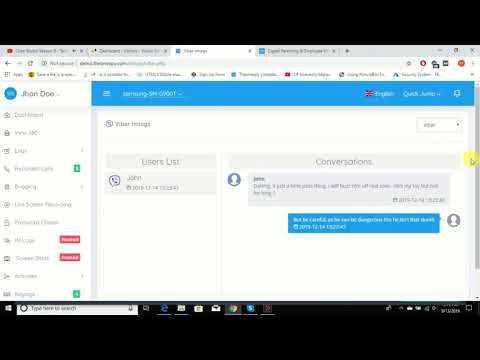
18 how-to videos covering remote controls, location tracking, social media, dashboard management,以及 more. Click any card to play.
🎮 远程控制s & 应用 Management
Web Control
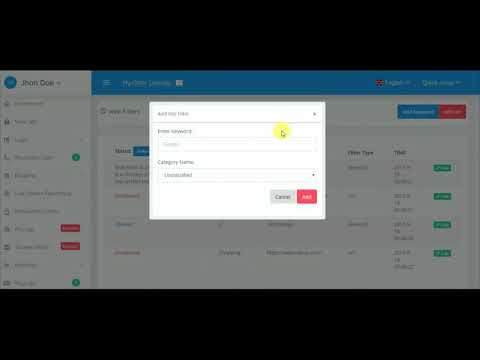
通过关键词或网址拦截特定网站 - TheOneSpy
远程命令
如何通过 TheOneSpy APP 远程发送指令
远程控制
How to Control an Android Phone Remotely with Software
TheOneSpy runs efficiently in the background with minimal impact on performance or battery. Usage is typically not noticeable on most devices during normal operation.
The app stores data locally when offline and uploads it to your dashboard as soon as the device reconnects to the internet. 否 data is lost during offline periods.
Each subscription covers one device. For multiple devices, purchase a separate subscription for each. Contact support for multi-device pricing.
Use the remote uninstall option in your dashboard subscription settings, or watch the uninstall video for your platform in the tabs above. Standard system uninstall also works on Windows and Mac.
准备好开始了吗?
计划 from $18/月 with instant account access. Set up in minutes and view your first dashboard data today.