Emerging technologies offer endless opportunities to record someone’s surroundings. It allows parents to keep tabs on their children’s activities and detect their whereabouts, as the same employer can check staff’s working performance. It is equally beneficial for individuals to find their devices by monitoring the environment. Reading this article will make all of these possible; we’ve considered the top 10 best hidden voice recorder apps that can help you determine your loved one’s background voices.
What is the Hidden Voice Recorder App?
A hidden voice recorder app is designed to record the environment of the targeted device remotely. It works in the background and silently captures ambient sounds, such as conversations and voices, without anyone’s detection. The user can remotely listen to the surrounding environment and capture and send the recording to the web control panel, where users can access, download, and listen.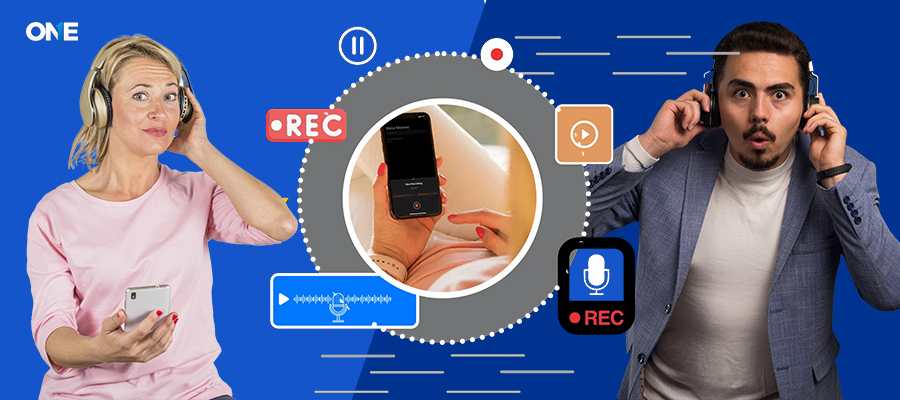 With ever-evolving digital technology, silent surround recording has become necessary. It might provide peace of mind for parents by enabling them to know their child’s whereabouts by remotely listening to the ambiance of the voice and finding their gathering and crowd. They’re with the wrong people; you can keep them safe by recording their conversations. Moreover, employers can monitor employees’ activities and know what they discussed; if they planned something to harm the business or your company, you can take proactive steps to secure them.
Parental Supervision
When their children are gone, parents remain interested in what their children are doing and saying. Parents can listen to what their children and others communicate by activating the voice recorder on their devices. Surreptitiously listening to their conversation can give you ideas about kids’ friend groups and programs, whether they are up to trouble, being bullied or harassed, and more. Parents can monitor every activity without being detected by installing innovative parental tracking software.
Employee Monitoring / Remote Job Monitoring
Some staff members will always try to disrupt the company’s environment by speaking negatively about the business and its employees. Some of them disclose confidential data to competitors for personal gain or may hold grudges. To overcome this situation, it’s important to monitor employees’ activities, listen to their conversations, and safeguard business data and the company environment.
Personal-Level Cybersecurity with Smart Monitoring
It’s not just parents and businesses that use surround-sound voice recorders—individuals do as well, for purposes such as self-protection, relationship transparency, or providing for a family member. Here’s how:
- Couples can use their partners to help confirm doubts and honesty in relationships
- Caregivers or adult children can check in on parents to confirm they are treated well by staff or caretakers
- A standalone single recording for single travellers, utilising for self-protection and to see what was around in the dangerous area
- When conducting interviews or interacting with the public, journalists or field workers may quietly record the interaction.
In all of these situations, a monitoring tool like TheOneSpy can provide users with the ability to record background voices and determine who was in attendance, what was said, and where the speech was spoken, without needing physical access to the device.
Can I Hear Someone’s Surroundings Through Their Phone?
Top 10 Hidden Voice Recorder Apps to Record Surrounding Audio
TheOneSpy Voice Recorder App
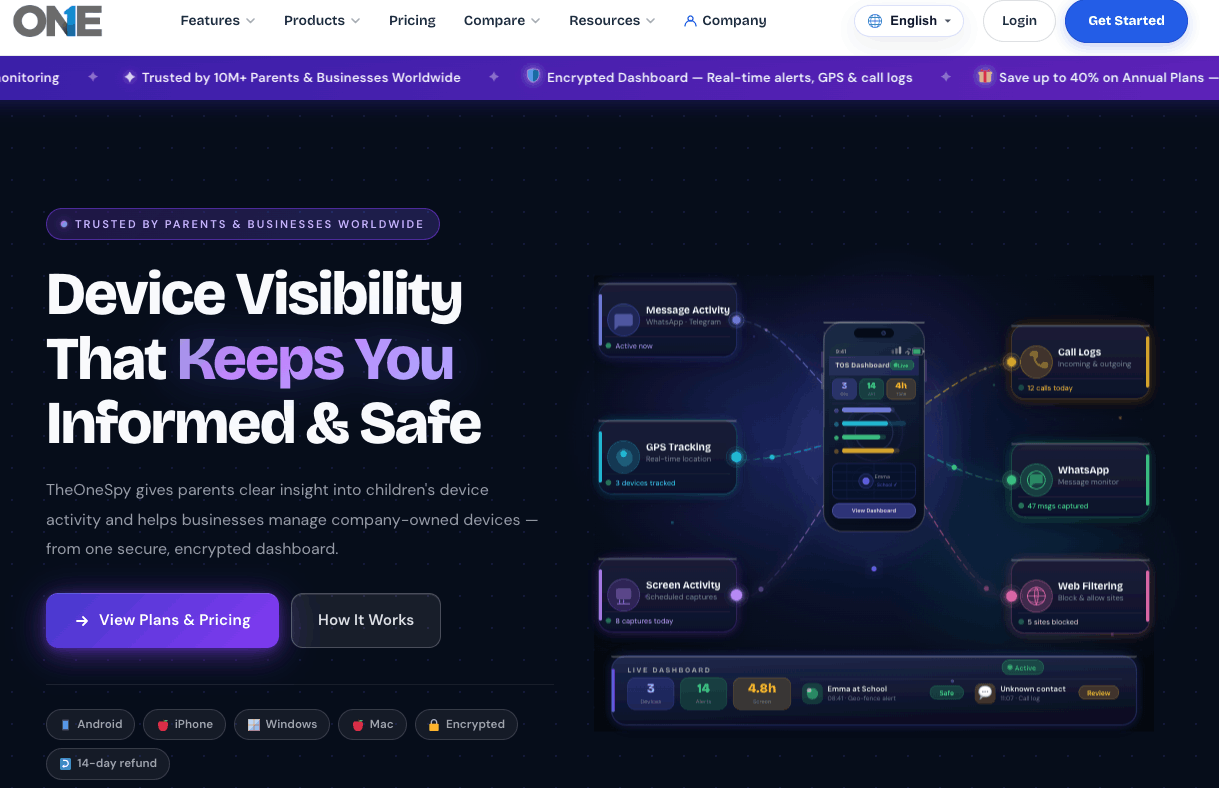
With TheOneSpy, parents can listen to live audio of their children’s surroundings to help ensure their children are safe and not exposed to real-world bullying or risky situations. This added awareness helps guardians step in early and guide their kids away from potential trouble. Best to record on Android, Mac, Windows.
Unlike basic hidden Audio recording apps or hidden live-streaming apps, TheOneSpy goes beyond audio by combining environmental insights with Microphone bugging. Together, these features provide real-time awareness of what’s happening around a child, helping families make informed, protective decisions with confidence.
Key Voice Recording Features:
Mic bugging: record and listen to surrounding voices in real time.
Ambient Recording: Monitor ambient sounds to hear what is happening in the background.
Auto-upload and save voice: Record voices and automatically store them on a live server.
Record secretly: work in stealth mode to record voices without alerting target devices.
Pros:
- Fast syncing
- High-quality recorded files
- Access voice anytime from the dashboard
- All the sounds are recorded secretly.
- The trustworthy, hidden & undetectable app
Cons:
- Only record voices made on Android devices
- No free trial version for customers.
OgyMogy Hidden Voice Recorder App
 OgyMogy is the most amazing monitoring tool that can remotely record someone’s background voice. This popular software gives you the power to check your kids’, employees’, and others’ audio conversations by phone mic bug. This capacity-enhanced digital protection. Apart from a voice recorder, it has a keylogger, GPS tracker, remote camera access, social media monitoring, and call recording. The best part of OgyMogy is that it works silently on the device’s background, meaning it never leaves any trace on the targeted device.
Key features:
- Ambient sound Monitoring remotely
- Record the background voice activity through automated mic bugging
- Runs privately; no icon will appear.
- Voice files are easily accessible from the dashboard.
Pros:
- Translucent voice recorders
- Simple setup with clear crystal voices
- Entirely secret, no chance of detection.
Cons:
- Limited to Android devices.
- No free plans
FonSee Voice Recorder for Android
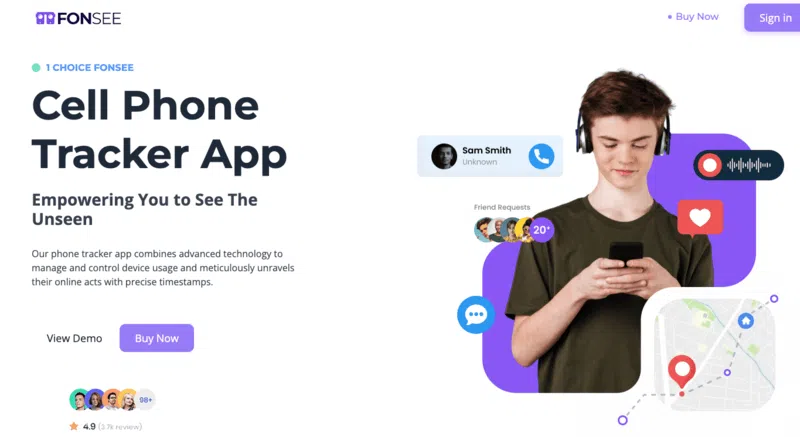
For all who need to be aware of what’s going on with kids, the FonSee voice recorder app proves a choice. With the use of this state-of-the-art technology, you can utilize remote voice recorders and listen to your targeted conversations to check what they are talking about and who is around them.
With the advancement, users can also listen to call conversations and voice notes to get a perfect view of their activities. By installing Fonsee, users can get a simple way to gain insights into their loved ones’ digital lives.
Top Voice Recording Features:
- Capture the environmental voices
- Automatically start operating without needing access.
- Download and listen to voices from the server.
- Record the surroundings without the user’s knowledge.
Pros:
- Easy to install and configure
- Files are saved on the secure web panel.
Cons:
- Not compatible with iOS
Securekin

With its extensive voice recorder feature, Securekin is the best option for hearing your loved ones’ conversations. It provides a remote sound recorder feature. Moreover, it gives you the power to record call conversations, access text messages, capture keystrokes, track real-time whereabouts, and monitor social media apps. It seamlessly works on Android & iPhone devices, and users can get various activities from their loved ones’ cell phones for digital protection.
Key Features:
- Record real-life voices in real time
- Activate the mic anytime
- Private secure dashboard
- Listen and record without leaving any trace.
Pros:
- Family-based secure App
- Undectable
- Clear voice recorder functions.
Cons:
- Selective iOS features
- Lack of free premium plans
KidsGuard Pro
KidsGuard Pro is one of the most popular parental control apps, which has great features, including a voice recorder. It enables parents to secretly monitor their child’s phone environment without the child being aware of it. This feature is particularly useful when you suspect a child is under duress due to bullying, peer pressure, or exposure to a dangerous environment.
KidsGuard Pro features a one-tap microphone activation function, storing the recorded audio in a private cloud accessible through its control panel. It is chock-full of other tools, but its voice recorder shines for its reliability and simplicity.
Key Features:
Real-Time Listening, Mic Bug – Listen to the surroundings of the device at any time
Automatic Recording of Ambient Sound – Start and stop recording based on time and noise.
Locked Access to Voice Files – Kept in panel for admin review
Invisible Microphone Use – No Alerts or Notifications when the mic is on
Pros:
- Clean and easy-to-use dashboard
- Android & iOS compatibility (Just the ambient mic feature is Android compatible)
- Great customer support
- Reliable and consistent recording
Cons:
- iPhone does not have background recording
- Needs physical access to install
Voice Spy Recorder
It’s a dependable Android-focused device that captures voices through its microphones. The ideal app for employees or parents who want to keep tabs on what’s happening behind their backs.
After installation, the app can record audio from the microphone or be started manually. However, once set up, it begins to monitor completely in the background.
Key features:
- Real-time mic bugging
- Saved data on the server
- Non-catachable voice recorder
Pros
- Operate Automatically
- No warning to target devices
- Minimal budget plans
Cons
- Compatible with Android devices
- Not supported live mic bugging
Super Voice Recorder
Super Voice Recorder is a powerful software that lets Android users manually record audio. Best for parents and owners to record background noises, meetings, and live conversations. Running in the backend record voices with easy access to the control panel, but not allowing remote monitoring.
Key features:
- Unlimited voice recording facilities
- Screen off, still record voices
- Option of paise, resume, and play.
Pros:
- Completely free
- User-friendly interface
- Record sounds with unlimited durations.
Cons:
- Runs manually
- No remote Access
- Built for Android users
Easy Voice Recorder:
The most popular platform with a 4.7 rating in the Play Store, with 600000+ reviews and millions of downloads. Easy Voice Recorder is one of the finest choices for customers who need a user-friendly yet dependable voice recorder that captures everyday audio files. Whether the conference is scheduled or held live, it delivers audio with clarity and efficiency.
Key features:
- Compatible with Android-supported tablets and smartphones.
- Voice recorder with one-tap functionality
- Record the voices even when the screen is off.
- Multiple platform support, even pro ones too ( MP3, AAC, FLAC)
- Instant sharing and exporting options
Pros:
- Understandable for non-tech users
- Record the voices for longer periods without any interruptions
Cons:
- To access the advanced features, need to upgrade to Pro.
- No built-in transcription Mechanism.
Smart Recorder:
Smart recorder with a rating of 4.6 and thousands of reviews with 10M+ installs. Indicating the popularity among the educational and corporate sectors. The Smarter Recorder is basically designed for longer recordings. Designed for longer meetings or lectures that require clear audio, the smart recorder delivers it with full efficiency.
Key features:
- Support the Android-supported devices that are up to 5.0.
- Pause and resume the recording.
- Silent speaking feature to get enough storage that is needed.
- Let’s record the files in the segmented format.
Pros:
- Best for recording long sessions
- Consume minimal battery power
- Intuitive and friendly layout.
Cons:
- Call recording is not supported
- Basic editing tools
Play Store Rating & Popularity: 3.4 with 14,000+ user reviews on the official Play Store listing.
Compatible Devices: Primarily designed for Google Pixel devices and some Wear OS smartwatches.
Voice Recorder (by Google LLC)
Voice Recorder, or simply ‘Recorder’, developed by Google LLC, is Google’s official audio recorder app. It provides more than simple audio recording capabilities – it can record audio and transcribe it, with the option to label different parts of the recording. This allows users to easily locate specific portions of their audio recording without having to play the whole thing. It is particularly useful for students and working professionals.
Key Features:
- Provides automatic transcription and labeling of audio recordings.
- Allows searching through text within audio recordings.
- Simple and clean interface.
- Can be used with Wear OS to record audio directly from smartwatches.
Pros:
- Saves time with built-in transcription capabilities.
- Seamless integration with other features of Android devices.
- Allows easy management and editing of audio labels.
Cons:
- Limited availability on devices other than Google Pixel and some Android devices.
- Lower rating than other audio recorders available for Android devices.
- Fewer audio settings than some other recorders.
How to Pick a Reliable Hidden Audio Recorder App
Selecting the right app that is secure, undetectable, and of high-quality voice sounds is one of the challenging situations. Whether you are a concerned parent keeping kids’ surroundings secure or a business owner who protects company-sensitive information by monitoring staff conversations. Anyone who saves their loved ones needs something different, and apps choose those that fit their requirements.
However, with thousands of apps available, how will you determine which one is best? Some apps offer limited features, premium-only plans, or no stealth mode, compromising your privacy. TheOneSpy is a more reliable option for customers and meets all requirements.
TheOneSpy — One Solution for Everyone
| User | Concerns | TheOneSpy Solutions |
| Parents | “Can I trust the company my child is with?”
|
Listen Happens in Seconds. No need to chase down what you are after, right? Gain access to the mic remotely to hear what’s happening. Find out who they’re with, where they are, and whether they’re safe.
|
| Emoloyers | “Are my staff leaking intel about my company?”
|
Auto-record conversations during work hours. Combine it with call logs and emails to track insider threats.
|
| Family guardians | Is my senior parent safe with this caretaker?”
|
Schedule recordings and discreetly check in on them as well.
|
How Does the Hidden Voice Recorder App Work?
Conclusion
FAQs
Which is the Best Hidden audio Recorder App?
What is a Hidden Audio Recorder With A Live Listening App?
A hidden audio recorder with an app for live listening lets parents stay aware of what is happening around their kids in real time or through the audio recording. These apps, under the category of hidden live streaming apps, help parents be aware of their kids’ surroundings, thereby identifying any safety issues at an early stage.
Is it Legal to use the Surround Recorder App?
Do apps run silently in the background?
Not! All the apps work silently, but TheOneSpy, OgyMogy, FonSee, and FlexiSpy monitor targeted device activities remotely without detecting the targeted device.
How does it compare to regular Free Voice Recorders?
Free hidden voice recorders differ from hidden voice recorder apps; they operate discreetly without a visible icon on the targeted device. Compared to regular free apps, clearly show app existence and work manually, hidden voice recording apps remotely activate, and mainly focus on data encryption.
Can I use a voice recorder without rooting an Android device?
Yes! You can use the TheOneSpy recorder app without rooting an Android phone. The user can install it on a rooted or non-rooted targeted device. After you have installed successfully, log in to the online control panel, send the Mic bug command, and start listening to the recorded surrounding audio.
Can TheOneSpy call recorder capture both sides of the conversation?
Yes, TheOneSpy hidden call recorder app can record both sides of conversations without the person knowing.
Is there a secret voice recorder app?
Yes, TheOneSpy is a secret voice recorder app that allows you to remotely activate recording by getting a one-time setup on your desired device.
How do I hide the voice recorder icon on my Android device?
You can hide the voice recorder icon while installing the app on the targeted device. The user can download the app by following the brand’s instructions. If you want to hide it, make it invisible. After the procedure, the app icon disappears from the device’s home screen.