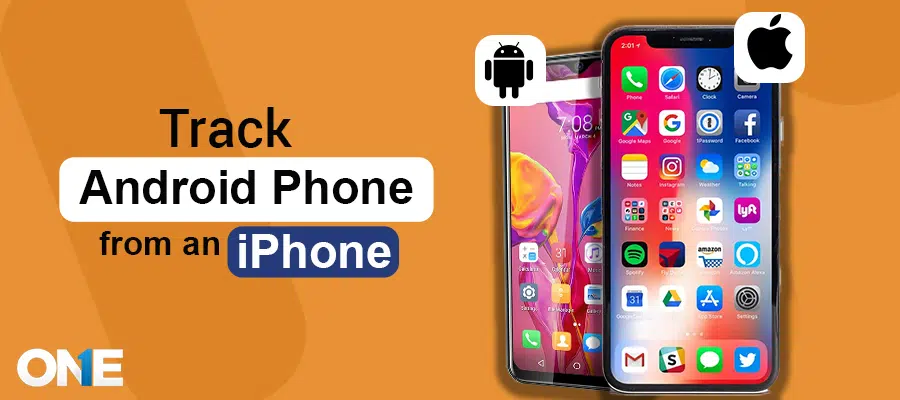
Did you ever think it was possible to track an Android phone from an iPhone? Thanks to advances in cross-platform tracking tools and cloud-based services, it’s a practical solution for anyone who needs to locate and manage Android devices using an iOS Phone. By the ultimate guide to tracking Android from iPhone, you’ll gain practical, actionable knowledge to locate and manage Android devices remotely — all from the convenience of your iPhone.
In this blog post, we’ll take you step-by-step through the most reliable methods for tracking an Android device from an iPhone, how they work, and which approach best fits different situations, whether you’re trying to recover a lost phone, monitor a family member’s device for safety, or manage a fleet of company devices.
How to Track an Android from an iPhone
When it comes to tracking Android phones from an iPhone, selecting the right approach matters; reliability, ease of setup, privacy, and legality all influence which solution will work best for you.
To help you make an informed choice, we’ve evaluated and distilled seven authentic methods for locating Android devices from iOS, ranging from built-in Google tools, device finder, and parental control apps. Among those options, TheOneSpy tracker app stands out as a top solution due to its comprehensive feature set and cross-platform compatibility.
In the sections that follow, we’ll unpack each method, compare their strengths and limitations, where TheOneSpy and the other six approaches are the most appropriate, so you can pick the safest, most effective option for your needs.
7 Best Ways to Track an Android from an iPhone
Tracking an Android from an iPhone is straightforward when you choose the right tools and follow proper steps. The best approaches include using Google’s Find My Device via a browser or app, enabling built-in location sharing through Google Maps, and employing reputable third-party solutions or parental control apps like TheOneSpy when you need more advanced monitoring. Each method varies in ease, features, and privacy implications, so pick the one that matches your technical comfort and the level of access required.
Method 1: Use TheOneSpy App to Track an Android Phone
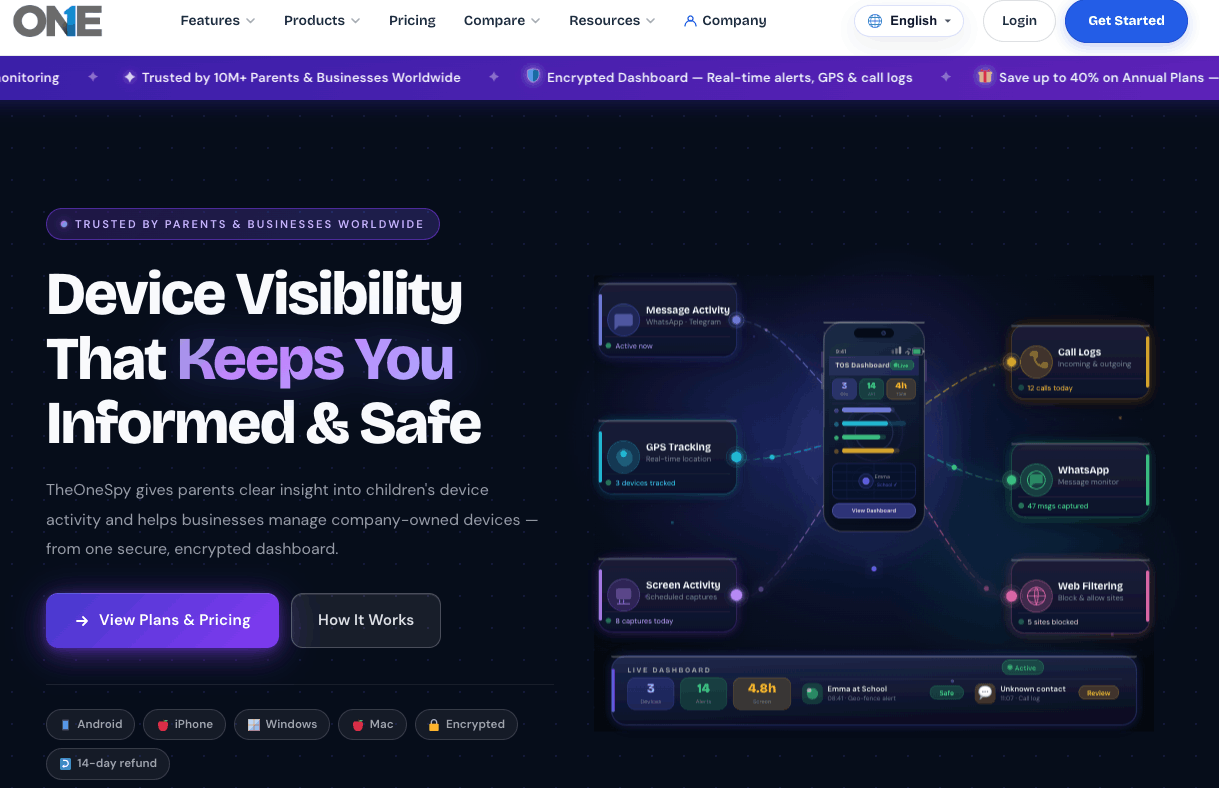
TheOneSpy is a monitoring application that enables users to track targeted devices’ activities remotely. The user can install it on an Android phone and login to their iPhone to monitor Android to get the actual location. Furthermore, it provides a simple way to view previous location history and get a notification when the targeted user leaves or enters a particular place. Just install it using the simple installation procedure that only takes a few minutes.
Get a license by subscribing to TheOneSpy app.
- First, you must visit the TheOneSpy app website, choose a suitable price package, and get an official email with credentials.
- Take the Android phone in your hand and download the app
- Start the installation process & follow instructions
- Login to the online dashboard to view the Android phone activity
- It is time to log into the web control panel by entering the given credentials (username or password)
Method: 2 Use Google Map Timeline
Google Maps feature lets you view the targeted user’s location history on an Android device. The Google map timeline method allows you to set up the same Google account on your iPhone and the targeted Android phone. This feature shows the visited places on the map by setting this:
Google location sharing with Google Maps is turned on on the targeted Android phone
- Open Google Maps on your iPhone linked to your Google account
- Click on the profile timeline icon
- Scroll the timeline and see the route location, date, time, and address visited by the targeted Android phone.
Using this same procedure, you can select a specific date to see detailed Android locations.
Method: 3 Google Find My Device
Google has a Find My Device feature that is only for Android users, but allows iPhone users to remotely locate Android devices. With this service, you can find targeted Android devices from anywhere, whenever you want. You have to make sure the setting:
- Turn on Find My Device in the Android device settings
- Then, go to your iPhone browser and click android.com/find.
- Now, open a Google account by using your Android phone credentials
- Then, the map will show you the device’s current location
This method is convenient for cross-platform tracking using an iPhone and tracking an Android to pinpoint the phone.
Method: 4 Use Social Media Apps
There are a variety of social media applications that allow you to share locations, including WhatsApp, Snapchat, Skype, and Facebook Messenger. Simply, you have to follow the settings:
- Turn on phone location via settings
- Choose a contact or a group of people
- After doing this, you can share your live location, and others can view your location without device restrictions.
Method: 5 Google Location Sharing Options
Tracking Android phones without an Android tracker app involves the Google account. You can use a Google account to view other people’s locations. This needs a setting for sharing the current location with friends, family, and others.
- Open the Google Maps app
- Press on your location and choose the location sharing option
- Select the person who wants to share the current location.
Using this method, you can share your current location with anyone. The other person can view your position from their device, even an Android or iPhone.
Method: 6 Use a GPS Phone number Tracker
GPS number tracker, a convenient and free online service, empowers users to locate any phone by using its phone number. It operates by gathering device data through nearby phone towers or Wi-Fi connections.
Open your iPhone browser and visit www.gpsphonetracker.com
- Enter the targeted phone number
- Press the phone location
- Then, the user can track the Android phone
This method enables viewing locations using a targeted person’s cell phone numbers and getting reliable results.
Method: 7 Track an Android Phone with IMEI Number
When you’re trying to locate your cell phone with different methods and can’t find it, don’t be upset. You can use the IMEI number( international mobile equipment identity) to recover your lost/stolen, or misplaced cell phone device.
You can check someone’s IMEI number by following this method.
- Open the Android phone settings, scroll to check about the phone, and find the IMEI number.
After getting the IMEI number, you can trace the phone using this method.
- Browse the Google Play Store for apps that help track IMEI numbers
- Accomplish the installation procedure, and enter the IMEI into the app to track the Android phone
Conclusion
In this post, we’ve mentioned various methods that enable you to track Android devices from an iPhone. From popular TheOneSpy Android tracker to find my device, location sharing, social media apps, and other ways, all are reliable. You can use these methods by getting physical access or using simple settings. Undoubtedly, all methods are suitable, but TheOneSpy is one of the most reliable and authentic apps that allows you to monitor the overall activities of the targeted device without being detected.