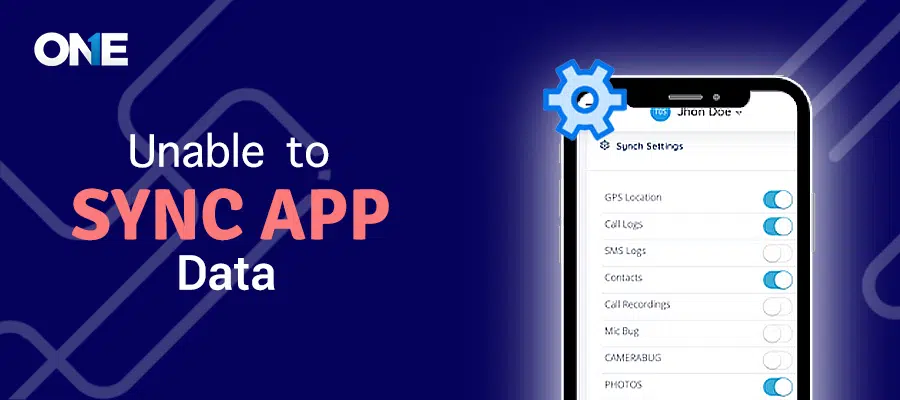
App data syncing is a process in which an app uploads its data to remote servers so that users can access and view it using a web portal or dashboard. Our app syncs data every 15 minutes and all the data will be made available and refreshed after 15 minutes. But in some conditions, the app stops syncing data. We have discussed a few of its reasons and their solutions:
Missing Any Permission / Incomplete App Installation:
This issue can be due to missing app permissions or an incomplete installation. Follow these steps to find and fix this problem:
#Step 1:
Open your browser, go to theonespy.com login page.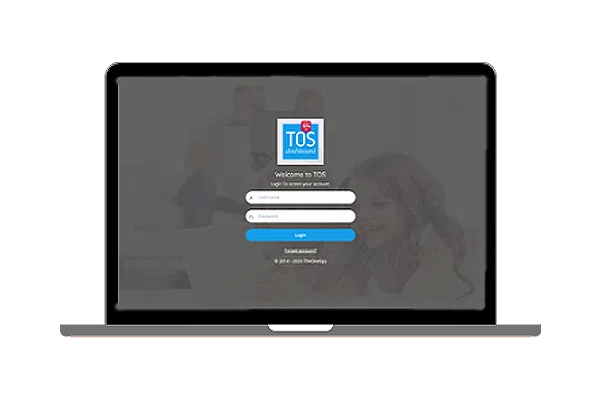 #Step 2:
Enter the username and password you have received from TheOneSpy via email and hit the “Login” button.
#Step 3:
After login, scroll down to the bottom of the side menu, find “Permission Check” and click on it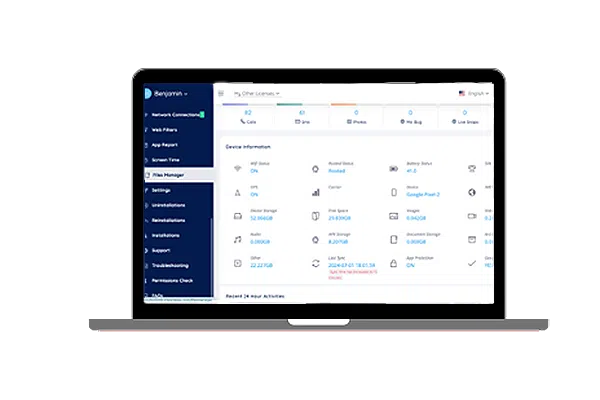 #Step 4:
It will open a web page listing all the missing and allowed permissions. Find if any permission is missing, then click on the “How to” button and follow the on-screen instructions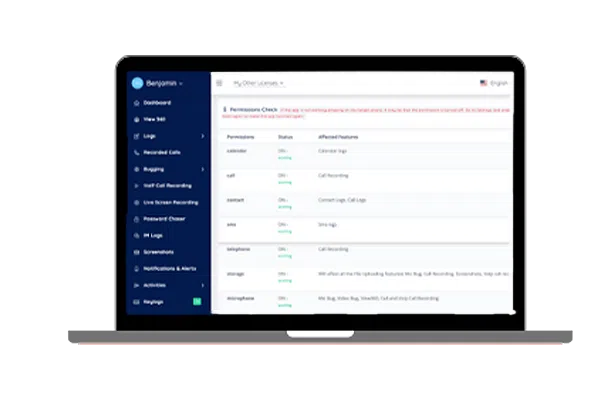
Missing Accessibility Permission:
#Step-1
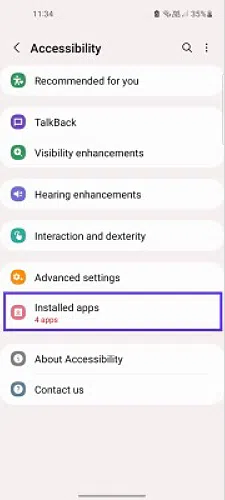
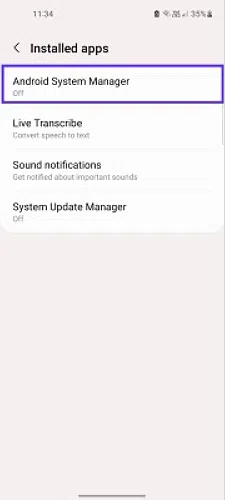
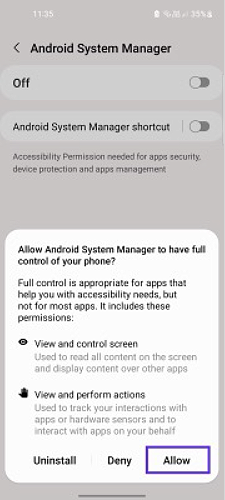
Open the “Settings” App, tap on “Accessibility,” and click on “Installed apps.” Tap on the “Android System Manager”.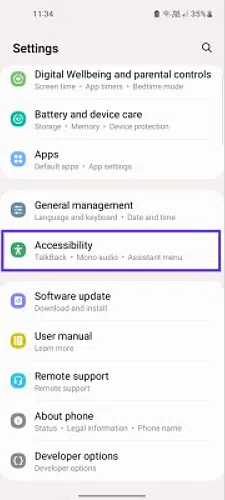
 #Step-2
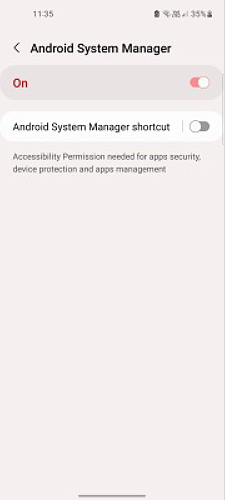
If the switch is off, click on the “Switch” and tap “Allow”. After that, restart the device.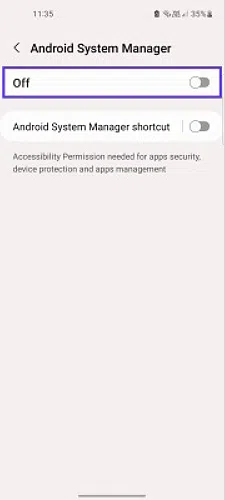
 Note:
Note:
If none of the above methods works, please contact our customer support team.