

Track Your Mac with TheOneSpy’s Revolutionary iOS Monitoring.
iOS powered devices can be notoriously difficult to monitor, but TheOneSpy seamlessly integrates with MacBooks, iPhones, iPads, and even your old iPod touch! Whether you’re trying to keep your kids safe online or monitor your employees, TheOneSpy offers a range of iOS specific monitoring tools to keep you ahead.
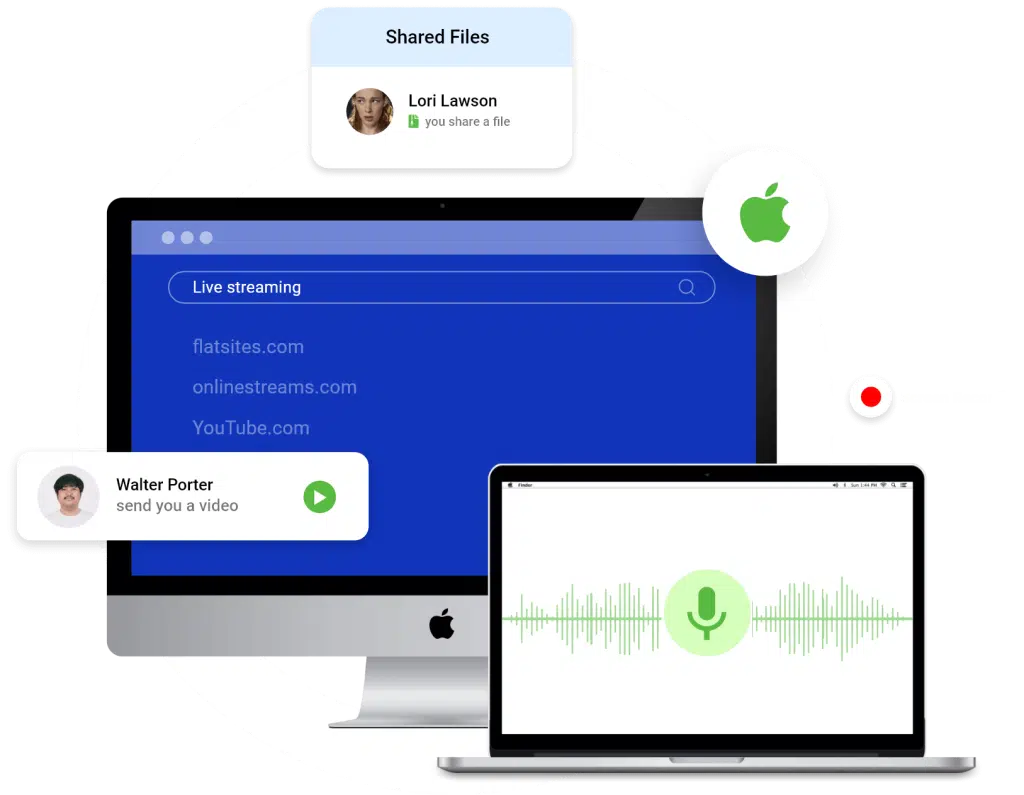
Effortless Mac and iOS Monitoring to Give You Complete Control.
Safeguard Your Family With Reliable Mac Surveillance
In-app parental controls and shared Apple accounts aren’t enough. TheOneSpy watches over your family online and gives you complete access to their whereabouts, browser activity, and their surroundings.
Protect Your Business with strict, real-time monitoring
Macs are great for business, but can be hard to monitor. TheOneSpy seamlessly integrates with all iOS and Mac devices so you can maximize productivity, enforce regulations, and protect your investments. TheOneSpy offers a holistic overview of device activity across a variety of downloaded apps and browser activity.

Seamless Tracking, Legal & Ethical
TheOneSpy is an ethical monitoring solution meant for parents and employers. Discrete surveillance is a sensitive legal issue and we urge all our users to consult local authorities before making any purchases. That being said, parents have far-reaching authority over their children and are permitted to monitor their online activity. Similarly, employers have the right to monitor company-issued devices as long as they disclose this information when the device is being issued.
Track Everything on MAC with TheOneSpy Powerful Features
TheOneSpy provides you with all the powerful features for Mac Computer monitoring software that help fulfill your monitoring requirements.
Website Blocking
Block access to all inappropriate websites, and set your preference with the help of the MAC monitoring software’s website filtering feature. It will allow you to block all media content and images on particular filtered websites. The user needs to visit the dashboard of the MAC spy software, set the URL settings for all inappropriate websites, and block them. Website filtering feature allows users to block all the media and images of the searched websites.
Sync Settings
The MAC spy software allows users to “ON” and “OFF” all the features of TheOneSpy software remotely by using the Sync settings feature. Whether you are a parent or employer, you just need to visit the control panel and then visit the sync setting feature of the TheOneSpy MAC spy app to get a hold of all the features by making a single click on the Sync settings ON and off button and start or stop the function of every single feature.
Screen Recording
Through computer monitoring software, the screen recording feature gets screen recording of your targeted MAC device device for a short time, along with an accurate schedule. Once the MAC spy software is installed on a targeted device, Parents get screen recordings of kids, and teens, and employers can also view what is running on their employees’. Parents and employers can perform screen recording by sending commands on their targeted MAC device and using the screen record feature.
Mic Bug
TheOneSpy MIC bug features for macOS, which allows the user to bug all conversations and surrounding sounds on its MAC target device along with real-time stamps. First, you must install the monitoring app on the target device after completion, and then use the MIC recording feature.
Camera Bug
TheOneSpy empowers user to get to know who is up to on the targeted MAC laptop; you just need to use the Mac Camera spy app and capture images. User can turn on the mic and camera of the targeted mac device and monitor their surroundings.

KeyStrokes
TheOneSpy lets user know the exact keystroke applied on the targeted MAC device by your kids, teens, employees, and loved ones. The monitoring software lets users know what type of password keystrokes, messenger keystrokes, email keystrokes, and SMS keystrokes your target has applied. As a parent, you need to use the keylogger feature of the MAC monitoring apps to know what kids and teens are doing in the digital world and whom they are interacting with on social messaging apps.

Screen Shots
Remotely capture screenshots of every single activity happening on MAC using TheOneSpy software. Furthermore, user can capture the number of remote screenshots on MAC computers using the TheOneSpy online control panel. You can capture screenshots remotely and upload screenshots to the dashboard. The user needs to visit the MAC Tracking software dashboard and tap on the screenshots feature. It will instantly get started screenshots of activities performed on the target MAC computer device remotely.
Frequently asked questions
TheOneSpy Mac tracking software paints a holistic picture of how your device is being used. Whether you’re a concerned parent or a responsible business owner, you can use TheOneSpy to record keystrokes across apps and browsers, capture screen activity, track app usage, know whenever someone logs in/out, and monitor web history. All the data TheOneSpy collects and records is stored on the virtual dashboard, and you can access it from any web browser.
We constantly update TheOneSpy Mac tracking application to ensure full compatibility with the latest iOS version. As of now, we cover macOS 13.0 to macOS14.0 and work on most Apple products including MacBook Air, MacBook Pro, iMac, and Mac Studio. Before you install TheOneSpy and purchase a license, we urge all customers to check their specific macOS and their compatibility with our individual features. For any help with this confirmation, you can reach out to our customer support team.
Absolutely. All TheOneSpy applications, tools, and features are fully discrete because of our specialized stealth mode. TheOneSpy runs silently in the background and doesn’t display an app icon, nor does it send the target device any notifications, banners, or alerts. However, we’ve gone one step further to ensure TheOneSpy doesn’t reduce device performance or have any noticeable effect on battery health. This ensures the targeted individual doesn’t know they’re being monitored, change their behaviour, or find workarounds for TheOneSpy.
TheOneSpy Mac Tracker covers all browser activities, so you can track each and every website searched on the device. In fact, you can go one step further with our Key Logging feature to know exactly what URLs were being typed into the search bar. All you need to do is access your virtual dashboard and get access to URLs, page titles, and timestamps for each visit. You can search through the devices’ search history and filter it by date, title, or time. Concerned parents can block inappropriate content and adult websites with TheOneSpy, or be notified immediately when they’re accessed.
We’ve gone to great lengths to ensure the target device doesn’t notice it’s being monitored, but we have failsafes in place for someone finding out. Keystroke logging is a core feature of TheOneSpy Mac tracking applications and it captures everything typed on the keyboard across messaging apps, browsers, documents, and system apps. This can include chats, search terms, credentials, and passwords. Keystrokes can be difficult to monitor because of their volume, so your virtual dashboard organizes this information by application, date, and time of entry, and you can search for certain keywords as well.
As long as TheOneSpy is used ethically and responsibly, it’s completely legal. Surveillance and monitoring are tricky legal waters to navigate, and vary greatly from region to region. We urge all our clients to consult with local lawyers to make sure they aren’t crossing any lines. However, TheOneSpy is meant for parents and employers and they have some room to maneuver. Parents, in general, have far reaching authority to monitor their children and their online activity. Employers, on the other hand, need to disclose the device is being monitored when they issue it to an employee, after which they aren’t legally exposed.
We take data security very seriously. All the data we collect on the target device is encrypted during transmission, and secured on secure cloud servers. The second potentially vulnerable location is the virtual dashboard on the client’s side. Only the account holder has access to the dashboard, and is password protected. When you create an account with TheOneSpy and purchase a license, we send you a link to the dashboard with pre-set credentials. Once you complete two-factor authentication, you can set your own secure password. As soon as someone ends their license with TheOneSpy, we delete their data from our servers. TheOneSpy does not sell confidential client information to third-party entities or advertisers.
Yes, TheOneSpy can be configured to monitor multiple user accounts on the same Mac if you’ve given it administrative access. It’s important to realize that TheOneSpy monitors the device, and not a specific account or application. This means it will capture keystrokes, app usage, screen activity, and more regardless of who is logged in. This is especially useful to monitor siblings that use the device, or employees using public company devices.The only time you’ll need an additional TheOneSpy license is when you’re monitoring more than one device. You can reach out to our customer service team.
Yes, it takes more than a simple incognito browser window to fool TheOneSpy. We monitor browser activity in hidden windows by tracking keystrokes, screen captures, and system-level web access logs. Even if the system manages to bypass real-time monitoring tools, TheOneSpy can capture what’s typed and displayed on the screen, including URLs, searches, site content, and timestamps.
Announcements
TheOneSpy Mac Tracking Software – New Version 2.0 Released
Release Date: March 10, 2024
Changelog:
- Keystroke Logging for Line (Added)
- Keystroke Logging for Viber (Added)
- Keystroke Logging for iMessages (Added)
- Keystroke Logging for Web Browsers (Added)
- Data Sync Issues (Resolved)
- Minor Bug Fixes (Resolved)
- Screen Recording Bugs (Fixed)
Supported macOS Versions:
- Now fully compatible with the new version macOS 26 Tahoe, macOS 14.0 Sonoma, macOS 13 Ventura, including all major models:
MacBook Air, MacBook Pro, iMac, and Mac Studio.
Let’s Start
Free way to see who is doing what and for how long!