

TheOneSpy Windows Monitoring: Unparalleled Computer Surveillance
We stand guard for any device that uses a Windows operating system. With TheOneSpy, you can keep track of app usage, browser activity, keystrokes, and the device’s entire digital footprint. Perfect for both parents and employers, TheOneSpy isn’t just discreet – it’s also completely remote once it’s set up.
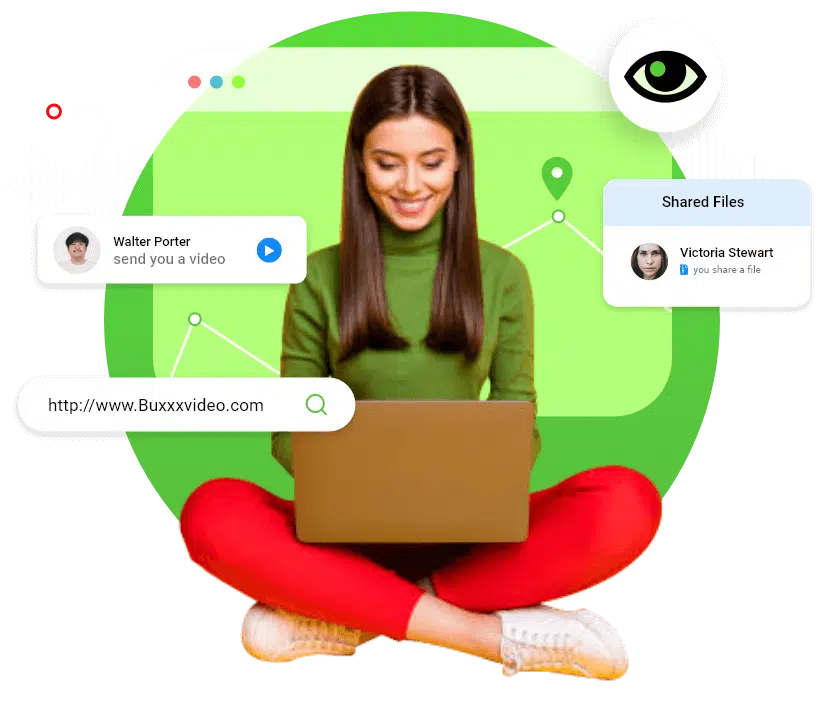
Track All Computer Activity Remotely & Effectively with TheOneSpy
Protect Your Business and Your Children with ONE Application

Microscopic Insights on Employee Activity
In today’s business landscape, protecting your company’s assets and client information is a top priority. However, the rise of remote work has made it increasingly challenging. TheOneSpy lets you monitor employee activity in extreme detail from anywhere in the world. Our invisible monitoring and virtual dashboard make sure you can monitor employees without disturbing workflows.
With insights into app usage and daily activity reports, you can identify inefficiencies and time theft. TheOneSpy Windows tracking application also prevents unauthorized access to company systems and alerts you whenever an employee breaches security policies. We empower you to proactively address risks and create a culture of accountability within your organization.

A Virtual Guardian for Your Children
The internet is a dangerous place for anyone, let alone children, but it’s impossible to completely restrict access. Whether your kids are on social media or just surfing the web, they can be exposed to inappropriate content, be harassed by online predators, or face heinous cases of cyberbullying. TheOneSpy is there to watch over your kids for the time you just can’t be there.
TheOneSpy lets you block inappropriate websites, set alerts for keyword searches, block contacts, and monitor their social media activity. You can monitor who interacts with them on social media or emails them and stop them from joining harmful online challenges.
Windows Spy Software - Explore TheOneSpy’s Powerful Features
PC spying software has two products, one for Windows and one for Mac laptops and desktops. Here are the features of the PC and the Windows spy app that enable users to track every activity on the target device.
Block Website
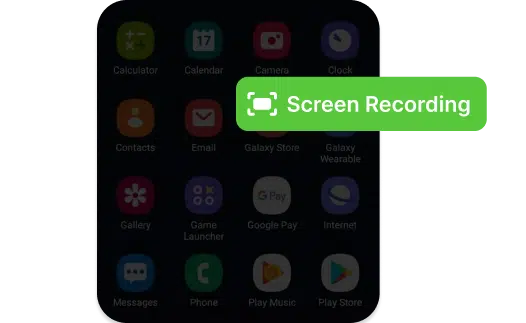
Screen Recording
Sync Settings
Ambient Recording
Camera Bug

KeyStrokes Logging
ScreenShots
TheOneSpy Windows Monitoring Software: Complete Visibility, Made Simple
Frequently asked questions
TheOneSpy has a wide range of monitoring solutions tailored for unique use-cases, operating systems, and devices. Our Windows monitoring application is designed to track & record all activities on laptops and tablets that use Windows operating systems. We capture information like web browsing history, application usage, screen activities, and more. All this information is instantly and automatically uploaded to your secure virtual dashboard. All you need to access the data and application controls is an internet connection and your login credentials. TheOneSpy is completely discreet and works in the background, so there’s no interruption in workflow.
Sync Settings is a special TheOneSpy feature that lets you control how and when data is uploaded to your virtual dashboard. Some of the recorded data is uploaded in real-time, like alerts/notifications and browsing history. Other data is uploaded periodically at pre-set intervals to protect your bandwidth usage. You can decide what data you want immediately and which alerts are urgent for your use case. In essence, Sync Settings helps you create a balance between instant information and system efficiency suitable for your needs.
Yes, TheOneSpy’s Live Screen Tracking creates an exact mirror of the target device’s screen and uploads it to the virtual dashboard. You can use this feature to keep an eye on remote IT teams and manage a large, geographically spread-out team. Even if you turn on Live Screen Tracking, there’s no interruption in workflow or device performance to ensure a seamless user experience.
You can customize your alerts and notifications with TheOneSpy Windows tracking application to stay on top of critical events. Some notifications include alerts when the device accesses a blocked website, changes location, or exits a geo-fence, tries to use an unauthorized application, tries to disable TheOneSpy, or searches a keyword you blocked beforehand. You can’t wait for your regular audit to catch major errors – a robust notification system helps flag policy violations, prevents data breaches, and ensures the device is following all stipulated instructions.
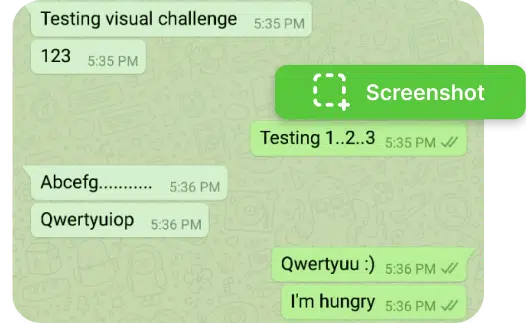
TheOneSpy offers two main ways to capture screenshots. On-demand screenshots are a powerful way to gather evidence for policy violations. You can access the screen in real time, and if you find anything suspicious that you want to review further, you can take a screenshot. Alternatively, you can program TheOneSpy to automatically take, at regular, pre-determined intervals, screenshots on the target device. They’re saved on your virtual dashboard and give you a clear picture of how exactly your device is being used.
Absolutely. TheOneSpy has several features that help you restrict the actions the target device can take. You can visit the virtual dashboard and restrict specific URLs, keywords, websites, streaming platforms, gaming websites, and other inappropriate content for children. You can also use TheOneSpy to block time-wasting websites/applications like social media to boost employee productivity. If someone tries to access blocked websites, TheOneSpy sends you an alert.
TheOneSpy is primarily a discreet monitoring application – meaning we’ve gone to great lengths to ensure the user can’t tell the target device is being monitored. This mode is ideal for child and employee monitoring because it doesn’t interrupt their workflows or everyday life. It also makes it much harder for the user to disable TheOneSpy. On the other hand, some companies prefer using visible monitoring for transparency or regulatory compliance. It’s important to note that both modes give you exactly the same monitoring tools, and you can easily switch between both from your virtual dashboard.
By providing detailed insights into how employees spend their time, our monitoring solution allows you to identify inefficiencies, distractions, and misuse of company resources. You can see which applications are used most, how much time is spent on non-work-related websites, and detect idle time. With this data, you can offer support where needed, set realistic productivity expectations, and reward high-performing staff. The presence of monitoring often leads to improved focus and time management across teams. Combined with website blocking and alerts, it creates an accountability system that naturally encourages better performance and responsible digital behavior.
A single license with TheOneSpy works for a single device. It needs to be manually installed on the target device, but we will send you a detailed instruction guide and download links. For an organization-wide rollout, you can speak to our sales team and negotiate a bulk license agreement. For large corporations, we provide silent installers and remote deployment scripts compatible with tools like Microsoft Intune, SCCM, or Active Directory Group Policies. You can use it to deploy TheOneSpy across dozens, and even hundreds, of systems simultaneously.
Yes, you can access the monitored data for all registered devices from the same virtual dashboard. All tools and settings show up independently, and you can easily switch between devices. However, a single TheOneSpy license only monitors one account. To track multiple devices, you’ll need the same number of licenses. You can negotiate bulk licensing agreements with our sales team.
TheOneSpy continues to monitor offline device activity even if the device is disconnected from the internet. However, Sync Settings needs an active internet connection to work. As soon as the device reconnects, all relevant data is uploaded to your virtual dashboard. You won’t lose any data while the device is disconnected because everything is stored locally on the device till the connectivity issues subside.
ThOneSpy is compliant with the laws and regulations of our country of origin, but policies can vary greatly from region to region. Monitoring and surveillance, especially discreet, is a sensitive issue and we recommend all users to consult a professional before making any far-reaching decisions. That being said, parents usually have far-reaching authority to monitor their children and their online activities. Employers are also in the clear as long as they disclose that the device is being monitored when it’s issued.
Getting a refund from TheOneSpy is a easy process. If you encounter any genuine issues with our app within 14 days of purchase, you are eligible for a refund as per our policy. Simply reach out to our professional customer support team via chat or email, and they will promptly assist you with your refund request. Please note, we are unable to process refund requests after the 14-day period.
Announcements
TheOneSpy Windows Tracking Software New Version 1.3.2 — April 10, 2024 (Released)
New Added Features:-
- Remotely Block and Unblock Software
- Remotely Uninstall Software
- WhatsApp Voice Message
- IMO Voice Message
- Viber Voice Message
- Screen-time
- Web Filter (chrome, Firefox, edge)
- Firefox Browser History
- Microsoft Edge History
- WhatsApp screen recording
- Viber screen recording
- Line screen recording
- IMO screen recording
- Team screen recording
- Telegram screen recording
- Facebook screen recording
Supported OS
- Compatibility with Windows 11, Windows 10, Windows 8.1, Windows 8, Windows 7.
- All the Major Brands of Computers and Laptops such as Dell, HP, Lenovo, ASUS, Microsoft, Acer, Razer, Thomson, MSI, Alienware, LG.
- All the Major Brands of Tablets such as Microsoft, Chuwi, Ematic, HP, Dell, Lenovo, HiGOLE, Supersonic, KUU, Nokia, MINISFORUM, UGEE, ASUS, MSI, Wacom, Panasonic, Kocaso, SANOXY, Yealink, Samsung.
Let’s Start
Free way to see who is doing what and for how long!