

Seamless Computer Monitoring with TheOneSpy
Computers are the nucleus of human society – we can’t do anything without them. Coupled with the pervasiveness of the internet in our lives, keeping track of device usage has become a security essential. TheOneSpy offers a complete computer monitoring solution that gives you real-time access to all the devices you own, whether at home, school, or the office.
For Parents:-
- Your Family Safety Under Your Control
- Help Your Kids by Watching Their Back
- Total Control from Any Place, Any Device
For Business:-
- Increased Loyalty and Better Profits
- Improve Employee Productivity
- Perfect for Small Businesses

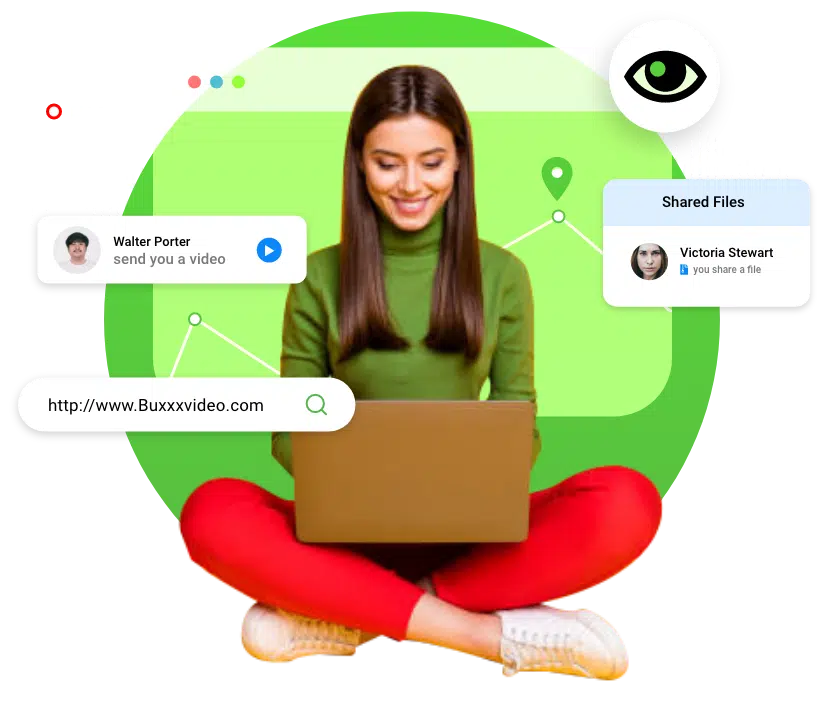
Efficient & Discrete Computer Monitoring for Results That Matter
Stop Guessing if Your Device is Being Misused – Just Find Out!
TheOneSpy’s Computer Monitoring Solution comes with over a dozen powerful monitoring features that give you unfiltered access to your device from anywhere. TheOneSpy is fully compatible with macOS and Windows, and monitors both in our patented stealth mode. Some of our favorite computer monitoring features include:
The World’s No.1 Mac & iOS Monitoring Application
However difficult Apple makes it to circumvent their security policies, TheOneSpy discreetly manages to monitor all Apple and Mac devices, including MacBook Air, MacBook Pro, iMac, Mac Studio, and more. TheOneSpy is regularly updated to ensure compatibility with the latest macOS models, and we currently support macOS 10.13 to macOS 14 Sonoma.
TheOneSpy Mac Tracking Features
From personal laptops to high-powered Apple desktops and Mac Studio, TheOneSpy doesn’t miss anything. You can take full control of your child’s safety and your company’s data by tracking keystrokes, web browsing history, screen activity, app usage, device information, and even the device’s location. TheOneSpy is a smart monitoring tool that can be completely automated and controlled virtually from your online dashboard.
Ideal for Parental Control
MacBooks are great machines for school and personal use, but they can be tricky to monitor. Traditional applications can only provide basic information like screen time, but TheOneSpy offers a complete range of parental controls that make it the ideal solution for protecting your loved ones. Not only can you protect them from virtual predators and cyberbullies, but you can also block harmful and inappropriate content from their devices. With TheOneSpy Mac tracking application, you can create healthy digital boundaries for your children.
Perfect for Employee Monitoring
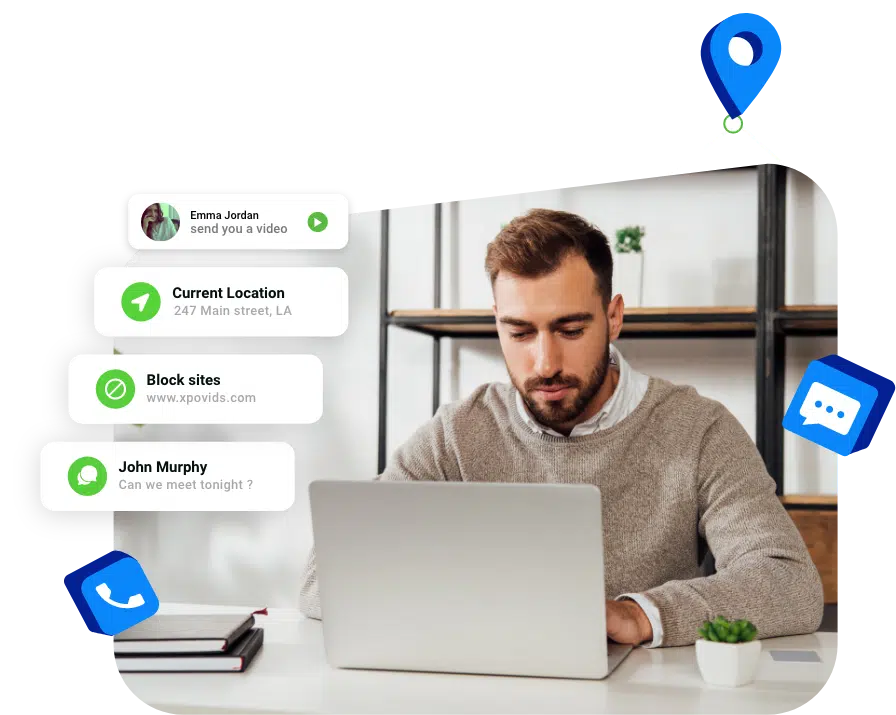
Businesses have depended on computers for decades, but the rise of remote work has made employee management (especially online activity) quite challenging. With TheOneSpy, you can monitor browser history and app usage times to make sure your employees aren’t wasting time during office hours. Additionally, our message monitoring systems and keyword alerts ensure company data isn’t being misused or leaked.
TheOneSpy Computer Monitoring Application for Windows
No matter how big Apple gets, the world continues to use Microsoft Windows as its most popular operating system. TheOneSpy does a great job with macOS, but the flexibility of Windows gives a major boost to our tracking capabilities. With a detailed, bird’s-eye view of user activity, TheOneSpy makes sure you stay up-to-date with real-time syncing to your virtual dashboard and complete remote control of all features.
Parental Control on Windows with TheOneSpy
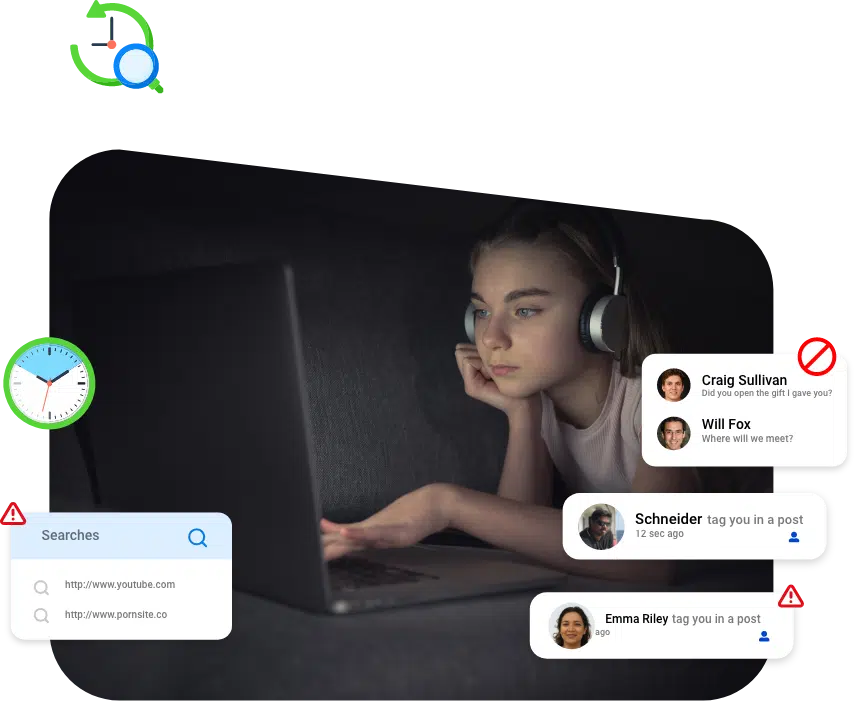
With the explosion of social media and technology, safeguarding your child has never been more critical or difficult. TheOneSpy is your best parental control companion and gives you granular control over your child’s device and their online activities. TheOneSpy constantly protects your child from online predators, bullies, inappropriate content, and dangerous challenges that come up online.
Once you have your TheOneSpy license and installed the application on the target device, you can remotely control everything. From any web browser in the world, log in to your virtual dashboard and track websites your child has visited, the apps they used, monitor their social media accounts, tap into their device’s mic and camera, and even get access to their live GPS location.
Effective Employee Monitoring for Workplace Productivity
Most businesses worldwide use affordable, flexible Windows-powered computers for their operations. While the OS may be easy to use, it also has the most potential for misuse. Think of TheOneSpy as your co-manager, security officer, and compliance specialist rolled into one automated application. Our computing monitoring solution tracks app usage, internet browsing, file transfers, keystrokes, and even social media activity.
This empowers business owners to identify employees who waste time, ignore security policies for sensitive company data, or knowingly leak client information. TheOneSpy’s analytical reports help you identify patterns in employee behavior to uncover actions that would have otherwise gone unnoticed.
For Windows Social Media & IMs Tracking Features
The Best Monitoring App for reading chat, self-deleted messages, and social media activity logs. It intends to track voice messages, shared photos, and videos through screen recordings.
Real-life Stories from Parents and Business Executives





Frequently asked questions
TheOneSpy is designed to be compatible with a wide range of desktop and laptop computers to ensure you can monitor the devices you need. Our software supports all major operating systems, including the latest versions of Windows and macOS. For the most accurate and up-to-date information on specific OS versions and hardware requirements, we highly recommend visiting our official website’s compatibility page. This ensures you can verify your target device meets all necessary specifications for a seamless and effective monitoring experience.
Yes, you need to install TheOneSpy computer monitoring application on the target device. When you buy your license from our website, we send you a confirmation email that includes a link to download TheOneSpy and a detailed installation guide. Once installed, you need to give all necessary permissions, and we recommend making settings inaccessible if your device has that option. The entire process takes less than 5 minutes, and you never need physical access to the device again. You can control all the application’s settings and access your recordings from your secure virtual dashboard.
If the target device has an active internet connection, the system uploads recorded data in real time. The initial sync may take a few moments, depending on the speed of your internet connection, but subsequent uploads come with minimal delay. Additionally, you can set instant notifications for certain keywords, websites, and contacts.
Yes, TheOneSpy is a remote monitoring tool at its core. We’ve specialized our resources to be extremely friendly for remote access. The only time you ever need physical access to the device is when you install the application. We send you a link to your secure virtual dashboard and unique login credentials. That’s where you’ll find all recordings and the controls to our different monitoring tools. You can remotely uninstall and deactivate TheOneSpy as well.
We can’t make a definitive claim about the legality of employer monitoring – laws vary greatly from region to region. We recommend consulting with a local legal professional for a definitive response. However, most multi-national corporations have their policies that allow for employee monitoring, as long as it’s done ethically and the employee is informed beforehand. Most of the time, they are informed that the device is monitoring when it is issued to them. TheOneSpy has a variety of tools, which have a range of abilities. Employers can simply activate the tools that comply with local regulations.
TheOneSpy is a discreet, remote monitoring tool. We have gone to great lengths to ensure the target device does not notice it’s being monitored. For instance, the app runs invisibly in the background, and there’s no application icon. It doesn’t send any notifications, alerts, or banners to the screen. TheOneSpy doesn’t even have drastic effects on device performance or battery life. All of these measures ensure the person using the device doesn’t notice TheOneSpy and alter their behaviour. With all your controls and recordings on your secure virtual dashboard, you don’t even need physical access to the device.
A single license with TheOneSpy is limited to a single device, not a single user. You can monitor multiple user accounts as long as you install our application with administrator privileges. All monitoring tools, including app usage, web browsing, and file management, apply to each user and show exactly what each user is doing on the system. This ability is especially useful for families that use a single computer or multi-user systems in an office, library, or school computer lab.
Absolutely! TheOneSpy continues to track all web activity in private or ‘incognito’ mode. Browsers like Google Chrome and Safari stop recording history in private modes, but TheOneSpy records its data independently through keystrokes, screen activity, and network traffic. You can view all visited URLs, the websites you’ve blocked will remain inaccessible, and their search history will be recorded. This ensures you can continue to monitor your child’s online activity even if they try and hide it.
Yes, TheOneSpy can monitor email activity on all operating systems in a variety of ways. Firstly, it records all incoming and outgoing mail from major email apps. TheOneSpy records email content, subject lines, timestamps, and sender/receiver details. If the user accesses their email through their web browser, we continue to monitor their activity through keystrokes and screen activity. Of course, you can access live screen recording for complete access.
TheOneSpy has two main ways you can take screenshots or record screen activity. First of all, you can set automatic, periodic screenshots that capture screen activity at pre-determined intervals. These screenshots are saved to your virtual dashboard. The same goes for screen recordings – TheOneSpy captures video snippets every time a certain site is accessed, or at regular intervals. Secondly, you can view live screen activity and take screenshots/video recordings anytime you want to save something for evidence/later review.
Yes, TheOneSpy can track file transfers, including data copied, moved, or deleted on the target computer. You can record all information about files that are opened, created, modified, or deleted, including any files on connected USBs. This ensures employees aren’t misusing or transporting sensitive company information. The software logs the time and date for each modification for complete transparency.
TheOneSpy is sensitive to system-level changes, new programs, updates, and uninstalls. It records all these actions, along with time stamps, to give you a clear view of how someone is using the target device. This protects your workspace infrastructure from malware and potentially malicious viruses. This is extremely important for companies that need to comply with certain industry regulations of device security. Parents may also want to ensure their children aren’t installing any software without parental consent/supervision.
TheOneSpy is generally protected from any change during software/system updates. If the app stops working, it’s probably because of a system-level change, a complete Windows overhaul, or an active change of system settings/permissions. You can remedy this by simply reinstalling the software and updating the permissions on the target device. We recommend keeping automatic updates on to fix any bugs or unexpected disruptions. If the problem persists, you can reach out to our customer support team to troubleshoot potential compatibility issues.
Supported OS
- Compatibility with Windows versions starts from 7 to 11, running on all major brands such as Microsoft, Gigabyte, Acer, HP, ASUS, Lenovo, Samsung, Dell and all others.
- Compatibility with macOS 10.13 to macOS 14 Sonoma, running on all models like MacBook Air, MacBook Pro, iMAC and Mac Studio.