The issue of family security in the modern digital age is not an easy nut to crack. You should know where they are, the people they are talking to, and what they are doing on their phones. Get TheOneSpy – the leading app for tracking Android phones that keeps your family safe. The family tracking app enables location tracking, checking call and text logs, social media monitoring, setting screen time limits, blocking apps, and more to keep your family safe.
Its “stealth mode” lets you track without the kids noticing, and remote commands like geo-fencing give you absolute control. In addition, you can monitor your family members regardless of the time of day or night since TheOneSpy is always on duty. Although 10 family safety apps, such as OgyMogy, FonSee, Bark, Life360, SecureKin, Qustodio, mSpy, Famisafe, and Google Family Link, have some good attributes.
When it comes to family safety on Android, we only choose family tracker apps you can trust. Every app on our list has been selected for testing based on reliability and reputation. Every app here was tested by us—no guesswork. We verified location accuracy, ease of use, and privacy protection so you can pick the best tracker with confidence.
Our Best Family Tracking Apps for Peace of Mind

The best family tracker apps ensure your family’s safety. It features very sophisticated and yet easy-to-use functions that let you track the location as well as online activities of your family to ensure their safety. A portable device that monitors traffic through the use of GPS and Wi-Fi signals in real-time. You’ll be notified via instant alerts if your child steps outside the safety zone, such as at school or home.
This live location tracking ensures your family members are where they are supposed to be. Some popular family tracking apps include:
TheOneSpy Family Tracking and Parental Control App
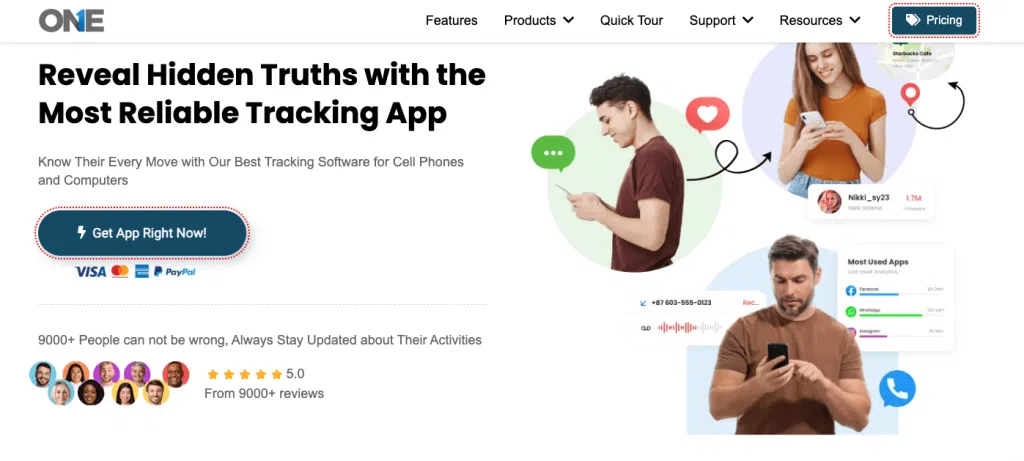
TheOneSpy is the best app for keeping your family members safe. It enables one to trace the location by checking their messaging apps. It even allows you to check the browser history to ensure they are not in danger.
TheOneSpy combines GPS and mobile data to determine the exact position of the device. By tracking your child’s or family member’s location, you’ll always know where they are.
You can view messages, chats, and media files from social apps like WhatsApp, Facebook, Telegram, Instagram, Viber, and others with TheOneSpy. Stay well-informed about your kids’ messages. It helps ensure that no one with suspicious intentions contacts them. Check out all the websites the target Android phone or tablet visited. The browsing history and keylogger features help ensure that kids are accessing suitable material. And that no inappropriate websites are being visited.
Useful Key Features:
- View accurate live location updates with detailed route history.
- Track chats, calls, media, and activities on WhatsApp, Facebook, Instagram, Snapchat, and more.
- Capture real-time screen activities in short video clips.
- Activate the microphone remotely to record surrounding sounds.
- Record every typed message, search, and password using the built-in keylogger.
- Lock the device, wipe data, or take remote actions if needed.
- Works invisibly on the target device without showing an icon.
- Check the installed apps’ details. Parents can block or unblock apps remotely.
Pros and Cons:
| Pros | Cons |
| ● Completely operate in stealth mode. | ● No free trial available |
| ● Capable of tracking all social media profiles | ● Need physical access once |
| ●Live screen Recording with ambient sound Monitoring | |
| ● Remotely block, unblock certain apps or URLs | |
| ● Delete, lock, or wipe out data that looks suspicious | |
| ● Best for non-tech users. | |
| ●Simple and understandable interface design |
OgyMogy App for Family Tracking

OgyMogy defines itself as “monitoring software” (for mobile devices, computers, and tablets) for parental or employee control. It is designed to let parents or employers “know everything” happening on a monitored device: social chats, calls, browsing, location, app usage, and much more.
Useful Key Features:
- Real-time GPS tracking + geo-fencing.
- Social media monitoring: WhatsApp, Snapchat, Instagram.
- Call logs, SMS, and VoIP call recording.
- Screen recording + camera/mic “ambient” monitoring.
- Keylogger, browsing history, and website blocking.
Pros and Cons:
| Pros | Cons |
| ● Works on Android, Windows, and Mac. | ● Installation requires physical device access. |
| ● Covers practically any online activity. | ● Some features may need root. |
| ● Strong social media and call monitoring tools. | ● Very invasive – raises privacy concerns. |
| ● Remote web dashboard access. | |
| ● Includes environmental recording features. |
FonSee Cell Phone Family Tracking
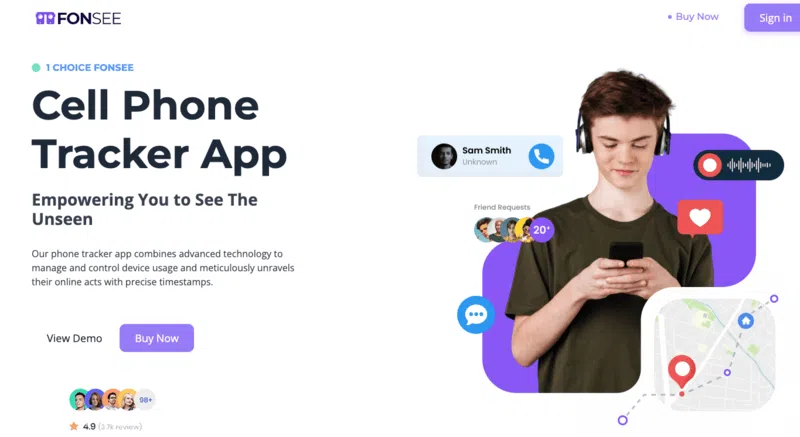
FonSee positions itself as a “cell phone tracker” and “parental control app” designed to provide users, particularly parents, with “complete peace of mind” through monitoring and controlling activity on kids’ devices, whether phones or tablets. According to their homepage, this is a “powerful tracking app” that offers features such as detailed location history, real-time monitoring of messages, calls (including VoIP), social media, screen usage, and more to protect the child from digital threats.
Useful Key Features:
- Location tracking and Geo-Fence creation.
- Social Media tracking, including WhatsApp, Instagram, TikTok, and Facebook.
- Call logs + VoIP call monitoring & recording.
- Tracking of web browsing history, including incognito mode.
- Keylogger + screen recording/screenshot capture.
Pros and Cons:
|
Pros |
Cons |
| ● Very comprehensive monitoring tools. | ● Requires physical access for installation. |
| ● Supports multiple social apps & VoIP calls. | ● Highly intrusive monitoring features. |
| ● Strong parental control options, including app blocking and time limits. | ● Android-only, iOS is not yet fully supported. |
| ● Geo-fencing alerts. | |
| ● Works in stealth mode. |
SecureKin
Securekin presented the Android and iOS-based apps that offer parental control features. It allows parents to openly track messages, scenes, and internet searches, and monitor websites to ensure kids’ protection from threats of bullying, explicit material, and predators, while empowering them with healthy digital habits.
Useful Key Features:
- Real-time location tracking + history.
- App usage monitoring and app blocking.
- Web filtering and browsing history tracking.
- Screen time management with activity reports.
- Keylogger + remote screenshots.
Pros and Cons:
|
Pros |
Cons |
| ● Works on both Android & iOS. | ● It must be installed on the child’s device for monitoring. |
| ● Great for parental control and well-being. | ● Advanced features depend upon permissions/ OS restrictions. |
| ● Includes website blocking and screen-time tools. | ● Some features are an invasive keylogger and screenshots. |
| ● User-friendly interface for Child safety use cases is in focus. |
Bark
Every parent prioritizes their family’s safety. Bark is the best app for tracking Android & iOS devices. With Bark, you can track real-time locations and monitor internet usage. This helps reduce the risk that your kids will become victims of unhealthy behavior.
Useful Key Features:
- Knowing your kids’ whereabouts
- Allows you to monitor web browsing history
- Monitor installed apps
- Track messages and call logs.
- See the websites your kids visit
- block inappropriate content
- Check which apps they download
Pros and Cons:
|
Pros |
Cons |
| ● Good to block hazardous content |
|
| ● Compatible with Android and iOS devices |
|
| ● Accurate location details |
|
| ● Strong filtering options |
Life360
Life360 location tracker is one of the best apps designed to monitor the safety of your family. The features of this app are at the same time powerful and easy to use, providing you with the opportunity to learn where your relatives are or what they are doing by monitoring their location and mobile activities in real-time, so you will be sure they are safe.
Useful Features include:
- You can view your family members’ real-time GPS location
- Record location history for safety and security.
- You’ll be alerted to any suspicious places.
Pros and Cons:
|
Pros |
Cons |
| ● Ideal to locate family circles | ● It mainly focuses on Location Monitoring |
| ● Best GPS trackers | ● The advanced plan requires paid versions |
| ● Has SOS, emergency alerts | ● Limited social media monitoring |
Qustodio
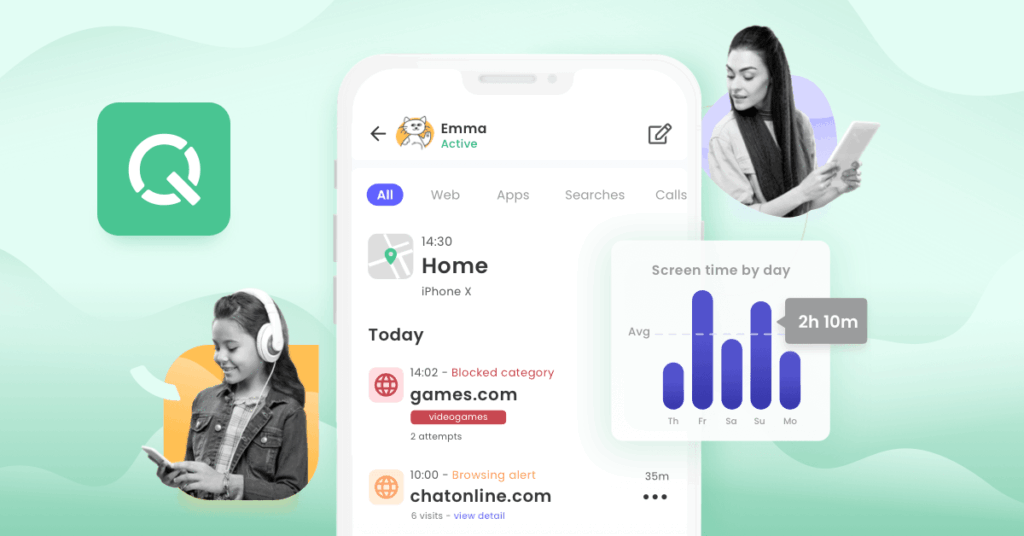
Qustodio is one of those applications known for its high-quality service and ease of use. It allows you to keep track of the physical location of your loved ones and their internet activity, which gives you the impression that your family is protected 24/7. Qustodio’s location tracking function locates the right location for your family in real-time mode, so that you are aware of the family members’ location every time.
Useful Features:
- Records locations with details like addresses and timestamps,
- Let’s see all messages, calls, and media files
- You can monitor social apps such as WhatsApp, Facebook, Instagram, and TikTok.
- Check call logs to see who your family members are contacting and for how long.
- Monitor browser history and block websites/apps to ensure safe internet habits.
Pros and Cons:
|
Pros |
Cons |
| ●Excellent web filtering | ● No stealth functionality |
| ● Excellent web filtering | ● Costly plans |
| ● Generate clear logs& reports | ● Limited social media Monitoring |
| ● Potential cross-platform support |
mSpy
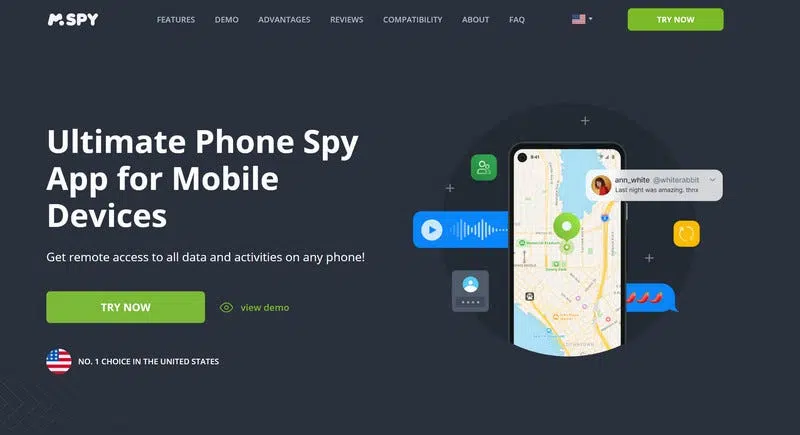
The mSpy app is the best tool for monitoring Android & iOS devices, giving you the confidence that your family is safe. It provides all the necessary functionality to help you track location and other activities, ensuring the safety of your family.
Through mSpy, you can go through the call logs to find out who the children called and how frequently they did so. It has call length, date, time, and contact details as its features. You’ll know right away if anything seems off.
Useful Features include:
- Keylogger to see what is typed
- View installed apps, block, or uninstall
- Track GPS with location history
- Access media files like photos, videos, and audio
Pros and Cons:
|
Pros |
Cons |
| ● Super keyloggers | ● Poor customer support |
| ● Call and message Monitoring | ● Lack refund policies |
| ● Exact location trackers | ● Costly premium plans. |
| ● Working on Android and iOS. | ● Difficult to install (some users are frustrated because it needs to be rooted for Android and jailbroken for iPhones) |
FamiSafe
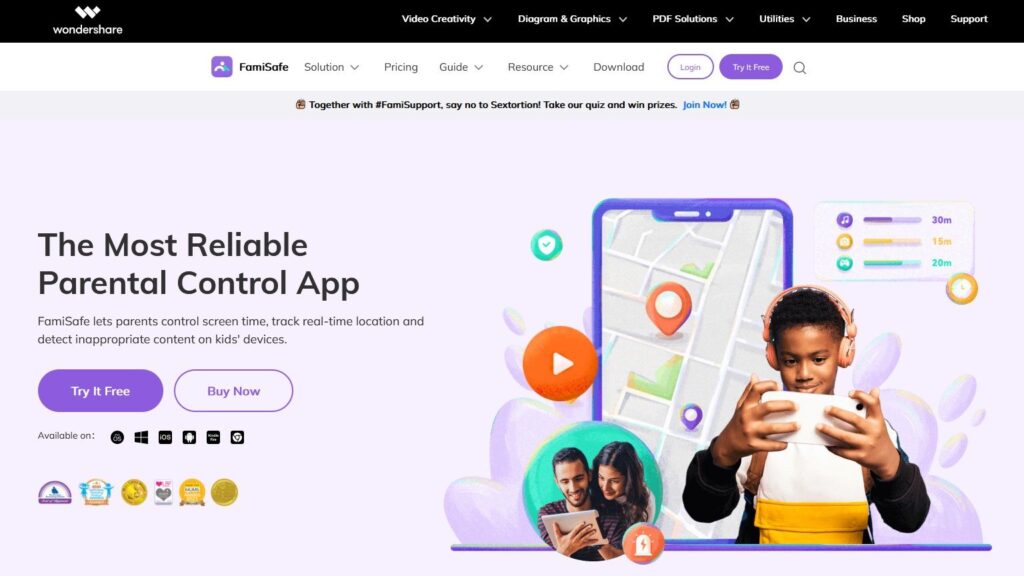
FamiSafe is the best family tracking app for keeping your family safe and secure. It offers many features to monitor your children and ensure their well-being. This gives you peace of mind, knowing their whereabouts and that they are staying out of any dangerous areas.
Key Features:
- Allows you to monitor messages and calls
- You can see the instant messaging apps’ logs
- It even has a screen viewer and controls screen time
- Tracks browser history and installed apps.
- It takes screenshots
Pros and Cons:
|
Pros |
Cons |
| ● Remote screen time control | ● Less social media monitoring |
| ● Block unwanted apps | ● No ambient sounds |
| ● Engaging dashboard | ● Delayed in location updates. |
| ● Potent web filters |
Google Family Link
Google Family Link is part of Google’s ecosystem and first launched in 2017 as a simple, free parental control tool. Over the years, it has grown into a cross-platform solution for both Android and iOS, offering basic GPS tracking and remote app management controls—all without subscription fees.
If you’re looking for a free family tracking app that works across Android and iPhone, Family Link is one of the most reliable options available. Because Google builds it, you get a clean interface, dependable performance, and essential tools for monitoring your family’s digital habits. The app also includes location-sharing powered by GPS satellites, letting you see where your loved ones are in real time at no cost.
While Google Family Link doesn’t offer advanced features like geofencing, it does let you create location-based reminders, so you’ll receive alerts when family members arrive at or leave specific places.
Pros and Cons:
|
Pros |
Cons |
| ● Totally free | ● No stealth mode |
| ● Supported Android & iOS | ● No GPS tracking |
| ● Strong app blocker. | ● Restrictive social media visibility. |
| ● Healthy screen time |
Check Before You Buy: Key Features to Consider
Before giving any family tracking app a chance, check the related information about it. The platform offers features that are actively implemented and run smoothly, ensuring there are no performance issues.
You can check the customer reviews to get better results and protect your data from being compromised on both ends. Always keep in mind that a family safety app is meant only the protect loved ones’ security, not to infringe on their freedoms. So the app that provides tracking for a healthy social life should be at the top of your bucket list. Rather than, you can cross-check:
Device Compatibility: Seamlessly operating across all sites without draining performance levels.
Battery Use: Does not compute much battery power, turning tracking smooth.
Privacy & Security: Use safer encryption and higher security to keep customer data safe.
Tracking Accuracy: Tracking in real time with precise information and details.
Stealth Mode: Works in the background – quietly, without the user knowing it.
Customer Support: Pledges to provide prompt, efficient service at all times.
Final Words:
TheOneSpy is the best phone tracker app for keeping your family safe. With powerful features like live screen recording, ambient listening, and social media monitoring, you can stay on top of your kids’ digital activities. The location tracking ensures you always know where your children are. No other app compares in terms of robust features and ease of use.
While decent family tracking apps like OgyMogy, FonSee, SecureKin, Bark, Life360, mSpy, Famisafe, and FamilyLink do not offer the full package that TheOneSpy does. TheOneSpy is the only app you need.
FAQs: How to Keep Safe Family with Best Tracking Apps
Family tracker app keeps you informed about the loved ones’ messages, locations, social media profiles, app usage, and activity reports to ensure safety.
Yes, it is legal, but when both parties agree, or the guardian or parents take the kid’s life seriously. However, with proper consent, specifically in your case, it is crucial; otherwise, it is disobeying the law.
Yes, many applications have stealth mode, like TheOneSpy, fonSee, and OgyMogy. Where tracking is possible without an icon or notification on the tracked device.
Yes, on the reliable apps, TheOneSpy, OgyMogy, FonSee. They often check and secure data using encryption to protect personal information and other data. But always check the app’s privacy settings before choosing.
You can monitor messages, call logs, and social media activity with TheOneSpy. It is a leading app do has the ability to track phone activity to protect your whole family.
Yes, many family trackers include GPS tracking to quickly locate stolen or lost devices.