
We have read many queries about WhatsApp Messenger. Most people worldwide want to know how to read someone’s WhatsApp messages and chats. There are plenty of reasons behind this. So, we have decided to help those seeking help with the most trusted and accurate answer. In this post, we will guide you with the best of our expertise. They need the expertise to see someone’s WhatsApp messages, but before you need to know about the reasons:
Is Reading Someone’s WhatsApp Possible? What They Look For and Why
The question is a million-dollar one. How to read someone’s WhatsApp messages secretly? Everyone uses WhatsApp on their cell phone. Somehow, this question comes to everyone’s mind. The answer is easy: You must have installed the WhatsApp tracker app. Further, it does not raise concerns for the users. They might get caught while reading messages on WhatsApp.
- There could be dozens of reasons behind using TheOneSpy WhatsApp. People may want to see someone’s WhatsApp messages. Let’s know the reasons that push everyone to track WhatsApp conversations.
- Individuals face betrayals from their loved ones or significant others. So, they want to read WhatsApp messages of people who betray them.
- Parents want to use WhatsApp monitoring services on their kids’ cell phones to see WhatsApp chat logs of their minors and teens. Technological tools are best for keeping tabs on their kids to protect them.
- Employers want to access WhatsApp messages on business devices. They install TheOneSpy app to sneak into the chats, news, group chats, calls, and shared media of employees.
So, let’s know how to read someone’s WhatsApp messages on another phone.
How to Read someone’s WhatsApp Messages without Targert Phone
Do you want to know how to see someone’s WhatsApp Messages secretly? It would help if you used efficient ways to track WhatsApp activity. You can use methods on another phone active with WhatsApp Messenger to monitor someone’s messages, chats, calls, and media sharing.
- First, you need to have a remote monitoring app for WhatsApp Messenger
- Use an app that allows users to track on cell phones active with social media apps, like WhatsApp
- Install an invisible app that can secretly monitor messages, calls, chats, and others on WhatsApp
- Opt for an undetectable WhatsApp monitoring app that does not pop up due to the usage of the Anti-spyware app
- Use TheOneSpy app on non-rooted Android devices active with WhatsApp
- Find the best monitoring solution that offers many features to track WhatsApp messages and other activities
How to Monitor Kid’s WhatsApp Activity With TheOneSpy
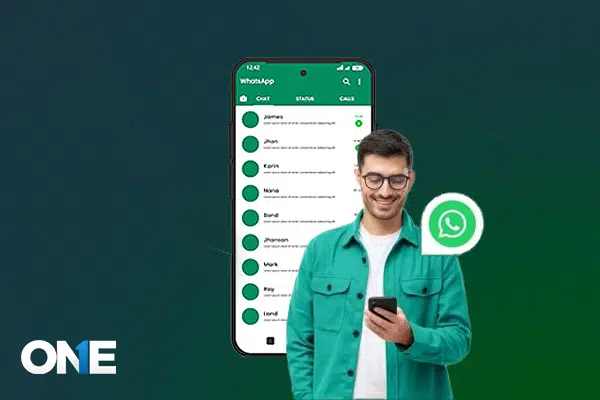
You can monitor someone’s WhatsApp messages on any Android phone using TheOneSpy app. You must find the best WhatsApp tracking software installed on your target phone. Before monitoring on WhatsApp, you need an app that can monitor text messages, calls, chats, and voice messages on your cellphone.
Subscribe to your chosen Android monitoring software, like TheOneSpy. Further, get access to your target non-rooted Android device. Install TheOneSpy app and end up with a successful installation process. Use the password and ID to log in to the dashboard and activate the following features to monitor WhatsApp activity.
WhatsApp Screen Recording
TheOneSpy Live screen recording is one of the best tools for WhatsApp. Users can record short videos on any Android screen and send the recorded videos to the web control panel. Download the videos from the web portal and watch them to see someone’s messages, chats, and media sharing on WhatsApp.
Record WhatsApp Calls
Capture all incoming and outgoing WhatsApp calls secretly with TheOneSpy. Access high-quality recordings from your dashboard anytime, anywhere. Stay informed and keep track of conversations with ease.
Take WhatsApp Screenshots
You can schedule screenshots on another Android phone with TheOneSpy App. It empowers you to take WhatsApp screenshots in a row and send the captured screenshots to the dashboard. Users can see the WhatsApp activities.
Keystrokes Logging
Keystrokes logger is one of the few tools you can use on your target phone. It captures and records keystrokes applied on WhatsApp messages, chats, and group chats with a schedule. So, users can spy on WhatsApp messages secretly.
WhatsApp Activity Logs
Social media monitoring is the best tool that offers WhatsApp activity logs. Users can see the logs of chats, text messages, shared photos, videos, voice calls, and voice messages.
Live Spy360 Screen Sharing
Live camera streaming offers a sub-feature that is screen sharing. It connects the target Android phone screen with the TheOneSpy dashboard. Users will get live screen sharing and streaming into the dashboard. You can see every activity on WhatsApp, such as chats, voice chats, and voice messages.
How to Monitor on Someone’s WhatsApp Chats on Jailbreak iPhone
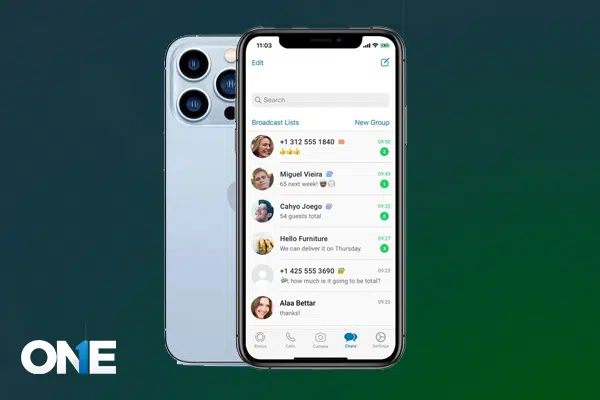
You may want to see WhatsApp messages on another iPhone device. The app offers the best feature to read WhatsApp text message logs sent and received. Further, users can spy on chat conversations, voice calls, media sharing, and other activities. Users can use the view installed apps feature to check the installed applications list with names. Users can ensure whether the target person has installed WhatsApp on another iPhone. Here is the following method that you can use to monitor WhatsApp on any iPhone without them knowing:
- Subscribe to the iPhone monitoring solution by visiting the official webpage.
- Get the password and ID via email.
- Jailbreak your target iPhone device to configure the application
- Install the hidden iPhone spy software on your target device active with WhatsApp
- Activate the WhatsApp tracking app for iPhone on your target device
- Use the password and ID to login to the web control panel
- Activate the dashboard and read WhatsApp messages
How to See Someone’s WhatsApp Activity On Your PC
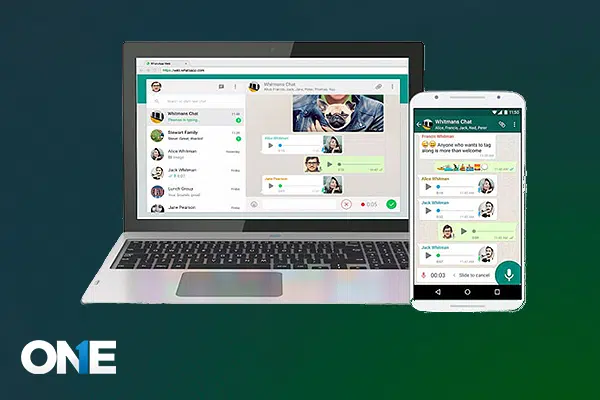
You are surprised to view someone’s WhatsApp messages on Windows laptop. Here is the following way to monitor messages and chats on a Laptop active with WhatsApp.
- You must browse on the target Windows laptop device
- Go to the WhatsApp website on your target Windows desktop device
- Use a social engineering method and get the target phone into your hands, active with WhatsApp
- Further, scan the QR code of your target cell phone device on your target Windows device
TheOneSpy Windows Features For WhatsApp
Install TheOneSpy Windows monitoring solution on your target laptop, active with the WhatsApp messaging app. You need one-time access to the target PC to install the software on a Windows device.
Log in to the dashboard of TheOneSpy app on your cell phone or PC with a password and ID. Now launch the features remotely on your target Windows device.
On-Demand Screenshots
TheOneSpy Windows monitoring makes it possible to view someone’s WhatsApp messages. Users can schedule screenshots using the Windows dashboard. You can set intervals, like 5 seconds, 15 seconds, 30 seconds, and 45 seconds. It will start capturing screenshots and send them to the dashboard. Users can see the screenshots to monitor WhatsApp messages and text conversations.
Windows Keylogger
Windows keylogger is the best tool that empowers you to capture live keystrokes of chats and messages on WhatsApp. Users can capture WhatsApp message keys, chat keystrokes, and others with the schedule.
Hidden Windows Screen Recorder
Windows screen recorders can record short videos on PCs when someone uses WhatsApp. It can record back-to-back short videos and send the data to the online dashboard. Users can secretly see the videos to spy on WhatsApp messages and text chat.
How to Monitor WhatsApp Account without Installating Software by Mac
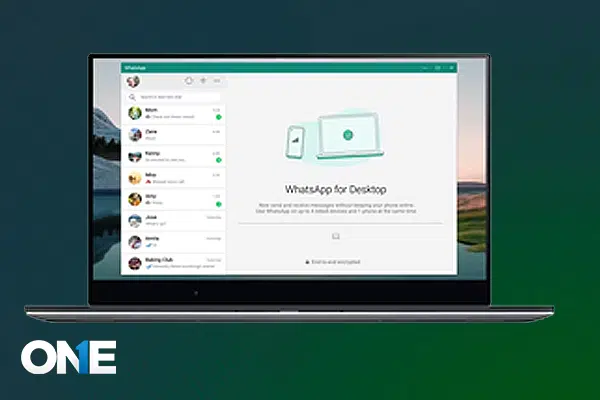
Are you struggling to monitor WhatsApp chats and messages on a MAC laptop and desktop? Here are the following steps to get the job done without effort:
- First, you must visit WhatsApp on the MAC desktop browser
- Open the WhatsApp website on a Laptop or desktop Mac device
- Using social engineering, you must get your hands on the target cell phone device active with WhatsApp
- Scan the QR Code of the target cell phone on the MAC device. Now you have access to another cell phone WhatsApp on your MAC device
TheOneSpy MAC Features to See WhatsApp Messages
Install the MAC monitoring software on your MAC laptop or desktop with device access. Log in with the dashboard after a successful installation process using a password and ID. Further, use MAC monitoring features to track WhatsApp messages and other activities.
Keylogging
It is a feature that lets you spy on someone’s WhatsApp messages on your MAC computer. You can use a keylogging tool to capture text messages and group chat keystrokes. Further, send the recorded keys to the dashboard.
Live Screen Recording
A live screen recorder is one of the best tools for MAC devices. Users can use this tool on their MAC device to spy on WhatsApp messages and other activities. It can record short videos on a MAC screen and send data to the dashboard. You can download the videos and see text messaging, media sharing, and other activities on someone’s WhatsApp.
Schedule Screenshots
You can also schedule screenshots on your MAC computer device to monitor someone’s WhatsApp activities. Users can monitor messages, shared videos, photos, voice call logs, and others.
Conclusion:
Gone are the days when you struggled to read someone’s WhatsApp messages on Android, MAC, and Windows. Use TheOneSpy products for cell phone and computer monitoring on your target devices. You can monitor WhatsApp messages and other activities without effort.