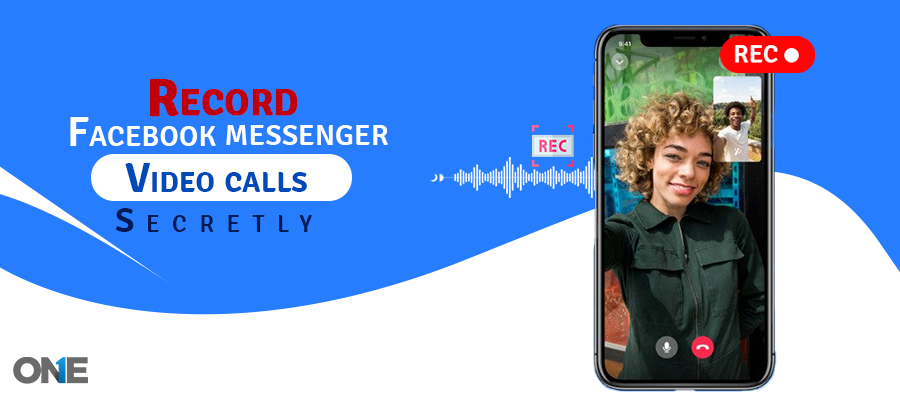
Social media apps have made our lives easier, no time never before. Sure, you have used Facebook voice and video calls. It is helping us out to connect with friends and family sitting on the other corner of the world. However, a stable internet connection enables you to get the job done. Do you want to know how to record Messenger calls with video or audio secretly for all the memories of sorrows and happiness?
Facebook Messenger allows you to have fun with your friends, loved ones, and those who are no more in your life or want to have evidence while talking to someone on the phone-installed app.
However, you may want to do that to set parental control on teens’ social messaging app activities to make sure they are not interacting with strangers and online predators. Well, no matter what purposes you want to record Facebook video calls, your wish is about to come true. We are going to guide you to record Messenger calls with video or audio.
Discover the Truth: Reasons to Secretly Recording Messenger Calls
Individuals have different reasons and objectives for recording and listening to the Messenger video & voice calls. There are plenty of people out there who want to know what sort of conversation is happening on the target phone installed by Facebook Messenger. Parents, business professionals, and loved ones are at the top of the list who want to record VoIP calls for parenting, employee monitoring, and other purposes.
How to Record Messenger Video and Audio Calls with Superior Quality
Messenger is essential for conducting face-to-face meetings, chatting with friends or family members, attending webinars, attending important business meetings, and more. However, recording is necessary for specific reasons like providing coworkers with information about meeting discussions, recording crucial webinar topics, and recording a few parts of family and friends’ video calls.
Facebook does not provide video or audio call recording options. But there is no need to worry—with our guidelines, you can record them quickly and efficiently. You can monitor or record video and audio calls on Facebook Messenger with TheOneSpy external tools. Messenger is the most handy app for crucial conversations, so recording is needed for future use. TheOneSpy is the best app for recording Facebook Messenger calls. Explore methods, and keep reading!
However, technology has discovered numerous tools that enable recording and listening to calls on Facebook. Let’s discuss how to record Messenger calls on Android without rooting.
Is it Possible to Record Messenger Calls on Android?
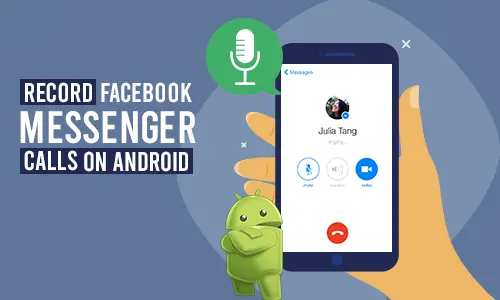
You may want to record voice calls happening on Facebook, but you may face difficulties because of cellphones running different OS platforms. However, there is a single one in the tech-business that can record Facebook calls on Android without rooting the device. Users can use TheOneSpy app on personal, children, and employee devices.
TheOneSpy is compatible with Android up to OS version 10 and on the latest 16 OS. Users can install the TheOneSpy app on the target device and activate the Facebook call recorder. Certainly, records and lets you listen to the calls of the instant messaging app in real-time. Usually, these kinds of tools require rooting to perform any activity, but they do not need a rooted Android device. You can use it on your children or employees to record Messenger Video calls with audio remotely.
Can You secretly Record Messenger Calls? Best App that Work 100%
Of course! Plenty of apps are available in the market that customers use for Facebook call recordings. However, if you are looking for the best and most secure platform, TheOneSpy would be your first choice. Moreover, it offers advanced features that open up easy recording options. TheOneSpy screen recording feature has recorded Facebook Messenger video calls excellently. Additionally, they allow them to create timestamps for video and audio calls, and their Spy360 live streaming feature delivers the option to record front, back, or nearby call tracking.
- Go to the TheOneSpy official website.
- Take a subscription plan for Messenger call recording
- After installing, launch it on target devices
- Login to TheOneSpy dashboard
- On the upper left side, you see many tracking features.
- Click on the “Screen recording option.”
- Filtering Facebook calls
- For audio, check out the VoIP call recording feature
- TheOneSpy is running in the background secretly
You can check it anytime, anywhere, as it is stored on your web panel.
How to Record Messenger Video Calls on Windows and Mac
Record Messenger video calls on both Windows & Mac using TheOneSpy app. The powerful monitoring app helps track activities on related devices, but it should always be used ethically within the legal framework. Here’s how you can record video calls with TheOneSpy on Windows or Mac device:
Visit TheOneSpy’s official website.
- Pick the right Plan
- Installation is required on the target device
- When installed, Login to your web portals
- Check the Dashboard and go to the call recording feature
- Filter Facebook data, such as messenger calls
- Easy configurations and continually saved video calls to avoid losing important data.
- You can easily access it via the dashboard.
TheOneSpy supports Android, Windows, and Mac devices.
Note:
For Mac operation, TheOneSpy offers an on-demand screen recording feature. If the customer wants to record Messenger video calls, they must install the app and enable “screen recording functionality “per their demands.
Remember!
TheOneSpy app to record Facebook Messenger video calls without a voice for Windows or Mac. You can access video recordings through their web panel.
Record Messenger Video Calls: Why Parents Are Taking Action Now
Parents want to monitor kids to ensure safety online and to prevent wrongdoings. The stranger danger is the main element that produces concerns in parent’s minds. Instant messengers like Facebook enable teens and young children to interact with strangers online as sex –offenders, stalkers, and sexual predators. Teens are pimping out teens on social media platforms, and Facebook is popular among tweens.
In the past, parents were able to get the logs of messages, chat, photo sharing, video sharing, and voice logs. The only thing left unattended was VoIP calls, and it seemed impossible for parents to record and listen to the Facebook calls. Technology has come up with the scope and has provided easy Messenger video call recording, no time ever before.
- Almost 95% of teens have access to the cellphones & 45% say they are constantly online
- 51% of the teens spend their time on the instant messaging app
- S teens ages 13 -17 say they use Facebook all day long
- Almost 87% of the online bullying incidents happen with teens on Facebook
- At least 1 million children bullied on the social media website and app
- FB online bullying happen via messages, photos, video and via voice calls
That’s why parents want to know what teens and children are up on FB. They were able to set parental control on all the activities that happen on the social media app. However, they have to left the IM’s VoIP calls unattended because they did not have the technology to record voice calls on the instant messaging app.
Can Employers Watch Messenger Video Calls? Shocking Truth Revealed!
Yes! Currently, companies worldwide are doing the practice of employee social media activities by recording and listening to voice calls on business-owned devices. The reason behind monitoring employees’ social media voice and video calls is to prevent the secrecy of the business. Employees used to waste time on FB in private voice conversations, and at the end of the day, this resulted in productivity.
- Almost 4% of the employee admits that they use social media on business devices
- 35% of the employees waste time on social messaging apps like Facebook and WhatsApp
- 43% of the employee says they do text and voice chat with the friends on the instant messaging apps
- Nothing is safe on the internet, so messenger calls may compromise company’s secrecy
- Social media activities usually distract employees from their assigned tasks
Messenger’s voice and video calls, chat, text messaging is a common practice among employees in working hours that can become the factors of goldbricking activities. That’s, employers have to keep employees under constant surveillance when they are using social media activities on business devices in working hours.
Why Individual Record Facebook Messenger Calls?
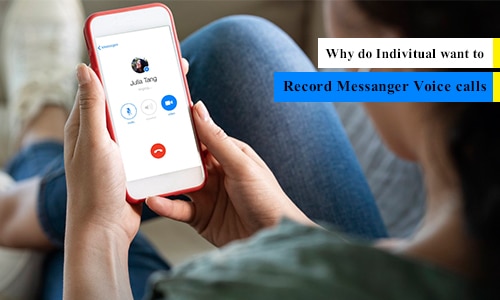
An individual may have multiple reasons to get their hands on every activity performed; they may want to record Messenger calls. Anyone could love to save the life memories that happened on social media apps with friends, family members, and loved ones.
Now the question arises, is it possible to record Facebook VoIP calls on cell phone devices? Over the years, people could have saved text messages, chat, and multimedia shared in threads, but when it comes to voice and video calls.
Conclusion:
Facebook Messenger call recorder app is the only tool of its kind that enables anyone to record and listen to calls on the FB app. It does not require rooting of Android mobile devices and record VoIP calls on Messenger in real-time.