Families face challenging issues in managing their children’s digital safety. Applications and smartphones influence the manner in which children learn to communicate and socialize. Parents want to protect their kids from any online peril. This guide is an overview of the best family tracking apps in real life. We researched the characteristics of privacy policies, performance, and actual user feedback. The reliability of all apps was tested for accuracy, ease of use, and safety.
We aim to settle on reliable protection solutions. These applications offer location-tracking and control features. Parents can monitor screen time, calls, messages, and app usage. Instant alerts are received when children enter or exit the designated safe areas. Many applications include built-in content filtering and malicious web blocking.
The selection of the right app will be based on the usability and functionality of privacy controls. Trustworthy applications ensure good data security and defined permission policies. Get an advanced monitoring app that fulfills your needs. You can track calls, chats, even deleted messages, and multimedia files with ease. Parents are always advised to check out the permissions of any tracking application before installing it. Ethical use fosters trust and contributes to a healthier family of communication. This guide helps to make decisions easily by evaluating the features, advantages, and drawbacks. You do not get confused with the selection of family tracking apps that can suit you. Stay safer online and make the correct choices to keep your family safe. We tested 10 family tracking apps for GPS accuracy, battery use & privacy. See our ranked list with key features & pros/cons.
Our Best Family Tracking Apps for Peace of Mind

The best family tracker apps ensure your family’s safety. It features very sophisticated and yet easy-to-use functions that let you track the location as well as online activities of your family to ensure their safety. The best tracking app for families is like a portable device that monitors traffic in real-time using GPS and Wi-Fi signals. You’ll receive instant alerts if your child steps outside the safety zone, whether at school or home.
This live location tracking ensures your family members are where they are supposed to be. Some popular family tracking apps include:
TheOneSpy Family Tracking and Parental Control App
TheOneSpy is the best tracking app for families to keep loved ones safe. It enables one to trace the location by checking their messaging apps. It also lets you review the browser history to ensure they are not at risk.
TheOneSpy combines GPS and mobile data to determine the exact position of the device. By tracking your child’s or family member’s location, you’ll always know where they are.
You can view messages, chats, and media files from social apps like WhatsApp, Facebook, Telegram, Instagram, Viber, and others with TheOneSpy. Stay well-informed about your kids’ messages. It helps ensure that no one with suspicious intentions contacts them. Check out all the websites the target Android phone or tablet visited. The browsing history and keylogger features help ensure that children are accessing age-appropriate content. And that no inappropriate websites are being visited.
Useful Key Features:
- View accurate live location updates with detailed route history.
- Track chats, calls, media, and activities on WhatsApp, Facebook, Instagram, Snapchat, and more.
- Capture real-time screen activities in short video clips.
- Activate the microphone remotely to record surrounding sounds.
- Record every typed message, search, and password using the built-in keylogger.
- Lock the device, wipe data, or take remote actions if needed.
- Works invisibly on the target device without showing an icon.
- Check the installed apps’ details. Parents can block or unblock apps remotely.
Pros and Cons:
| Pros | Cons |
| Completely operate in stealth mode. | No free trial available |
| Capable of tracking all social media profiles | Need physical access once |
| Live screen Recording with ambient sound Monitoring | |
| Remotely block, unblock certain apps or URLs | |
| Delete, lock, or wipe out data that looks suspicious | |
| Best for non-tech users. | |
| Simple and understandable interface design |
OgyMogy App for Family Tracking
OgyMogy defines itself as “monitoring software” (for mobile devices, computers, and tablets) for parental or employee control. It helps parents and employers in controlling the use of various devices digitally. The software is designed to enhance safety and control. It gives an overview of the communication, browsing, and application usage patterns.
A centralized remote dashboard system allows users to monitor the activity of the devices. It helps to understand more effectively the way devices are used in everyday life. The platform is structured for responsible digital monitoring. It is designed to let parents or employers “know everything” happening on a monitored device: social chats, calls, browsing, location, app usage, and much more.
Useful Key Features:
- Live updates on activities being performed.
- Tracking communications over messaging and calling applications.
- Monitoring social media activity on the targeted person’s device.
- Recording of screen activities to be used.
- History tracking and control of access to websites.
Pros and Cons:
| Pros | Cons |
| Supports Android, Windows, and Mac platforms. | Must have physical access to be initially installed. |
| Gives in-depth insights into digital activities in a location. | Certain complex functions are reliant on permissions. |
| Includes tracking communication, browsing, and app usage. | Very invasive – raises privacy concerns. |
| Remote access to the dashboard to manage and control it easily. | |
| Includes environmental recording features. |
FonSee Family Tracking
FonSee is a safety application that is created based on family awareness. It helps parents understand how their kids use their smartphones daily. FonSee is geared towards healthier and safer online behaviors. It offers transparent information about calls, applications, and web activities.
Through an easy control dashboard, users can control the behavior of their devices. Our aims to promote safe, balanced, and responsible use of the devices. It is targeted at the parents desiring more advanced digital monitoring capabilities. It is used to detect abnormal activity patterns in real-time usage. The platform will enhance openness in daily online transactions. It aids in good decision-making in the control of responsible online parenting.
Useful Key Features:
- Immediate updates on behaviors and real-time activity tracking.
- State-of-the-art social media monitoring on key platforms.
- Comprehensive insights into call and message activities to be aware of.
- Powerful screen-capturing system for visual understanding.
- Safe browsing, visibility control, and Web activity tracking.
- Real-time notifications of what is abnormal or suspicious in the devices.
- A control board to control all the activities of devices easily.
Pros and Cons:
|
Pros |
Cons |
| Can support various social applications to monitor more clearly. | Needs to be set up physically on the device. |
| Supports multiple social apps & VoIP calls. | Highly intrusive monitoring features. |
| Gives instant feedback on device activity and use. | Permissions and settings of a device are required to perform fully. |
| A screen capture demonstrates definite information about phone behavior. | |
| It has a simple dashboard, which is easy to use by parents. |
SecureKin

SecureKin is a family digital-safety parental control app. It helps parents control and direct children’s smartphones. It allows parents to openly track messages, scenes, and internet searches.
SecureKin offers transparent views of apps, messages, and internet usage. It helps enhance digital discipline through systematic surveillance tools. An advanced monitoring tool tracks websites to help protect kids from bullying and predatory threats.
Useful Key Features:
- Live tracking of activities and updated usage information.
- Blocking and usage restriction of app control.
- Censored browsing to a safer place to browse as a child.
- Daily activity report with time management of screen time.
- Remote screenshots to have a better understanding of the usage of the device.
Pros and Cons:
|
Pros |
Cons |
| Supports Android and iOS devices to be more compatible. | Some features are based on system permissions and settings. |
| Includes screen time management and app blocking. | Minimal usefulness in case of applying device restrictions. |
| Some features are an invasive keylogger and screenshots. | |
| Provides good parental control and digital safety solutions. |
Bark
Bark is a parental monitoring app for child online safety. It helps parents understand how children behave digitally in real time. Every parent prioritizes their family’s safety. Bark is the best app for tracking Android & iOS devices. With Bark, you can track real-time location and monitor internet usage. This helps reduce the risk that your kids will become victims of unhealthy behavior.
The application aims to prevent unsafe online communication and exposure to malicious content. It gives notifications regarding messages, search, and social media use. Bark facilitates safer use of the internet with the help of powerful monitoring. The site is designed to safeguard kids from online dangers.
Useful Key Features:
- Artificial intelligence (AI) surveillance of messages and social life.
- Detection of dangerous or harmful material in real-time.
- Monitoring of browsing the web using safety filters.
- Tracking of App usage to improve digital awareness.
- Early risk detection with keyword detection.
Pros and Cons:
|
Pros |
Cons |
| Online safety alerting of strong AI. |
|
| Android and iOS work easily. |
|
| Assists parents in identifying risky conversations in a short time. |
|
| Easy installation and easy-to-use dashboard. |
|
Life360
Life360 is a real-time location-sharing family safety app. The app is designed to enhance family safety and communication. It helps families stay in touch with each other through daily location updates. The features of this app are, at the same time, powerful and easy to use. It offers immediate notifications of the changes in movement and location.
So it will be helpful if your family member is planning any travel. Life 360 will alert you when your loved one has reached. So grab it if you want a reliable location-tracking app.
Useful Features include:
- Sharing of real-time location with family members on a map.
- History tracking of the location with a movement timeline.
- Threat warnings on the entry and exit of places.
- Quick assistance request with an Emergency SOS feature.
- Reporting driving safety and behavior to users.
Pros and Cons:
|
Pros |
Cons |
| Good real-time tracking of family members in terms of their location. | Only pays attention to location tracking capabilities. |
| Convenient user-friendly interface and simple navigation | Certain premium features will require paid plans. |
| Has SOS, emergency alerts | Inadequate social media monitoring or content tracking software. |
| Can be used on Android and iOS platforms. | Continuous tracking can increase battery usage. |
Qustodio
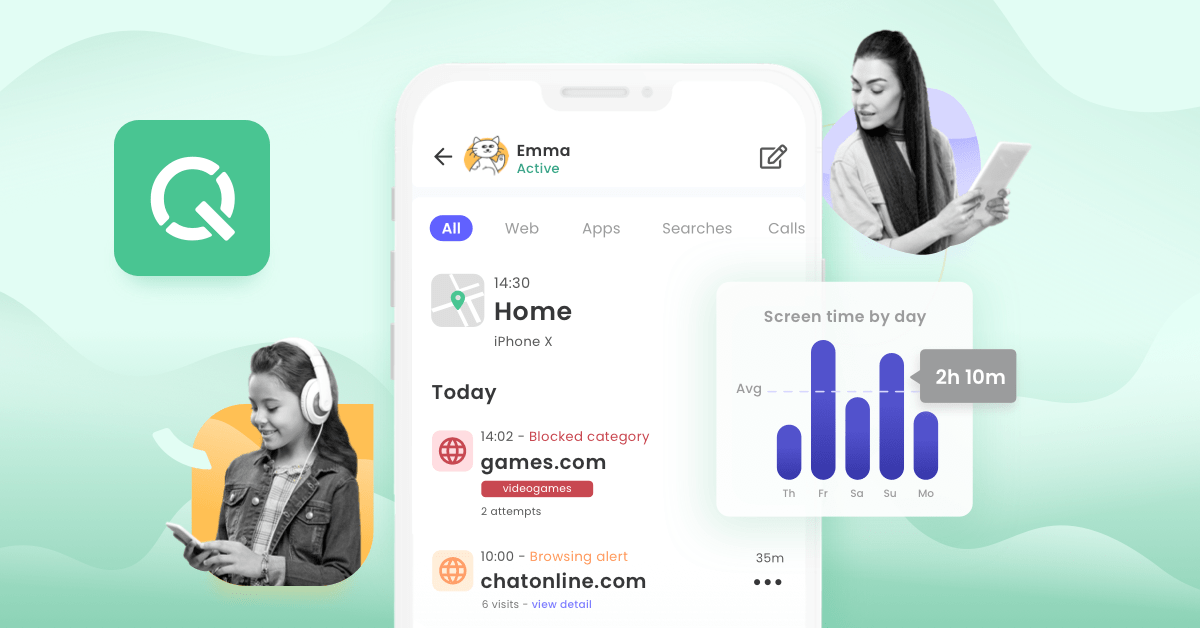
Qustodio is a parental control program to control online safety. It allows parents to easily control and supervise the digital activity of children. The application is dedicated to the responsible use of devices and safe internet usage. It gives a detailed report on browsing, apps, and screen time.
Qustodio allows you to track the current locations of your loved ones and their online activity. It gives you the impression that your family is protected 24/7. Qustodio’s location tracking function locates the right location for your family in real-time mode, so that you are aware of the family members’ location.
Useful Features:
- Blocking unsafe or harmful websites.
- Monitoring and control (usage tracking) of apps.
- Daily time limits on screen time.
- Full-digital behavior understanding activity reports.
- Communication awareness: call and message tracking.
Pros and Cons:
|
Pros |
Cons |
| Powerful internet blocking of safe internet use. | Not equipped with any concealed or stealth functionality |
| Detailed reports on activities to make parents more aware. | Full access to the functionality is only available with premium plans. |
| Effectively supports a variety of devices and platforms. | Installation may be a bit complicated for novice users. |
| Simple dashboard to control all controls in a single location. |
Find My Kids
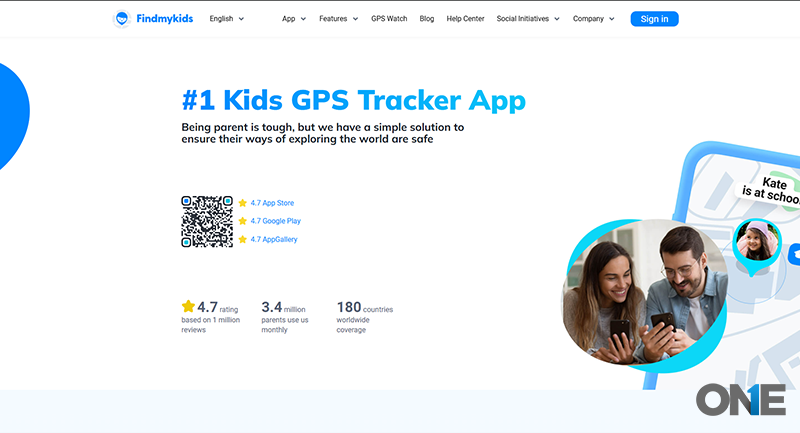 Find My Kids Is The Famous Tracker App That Keeps You Up To Date About The Kids’ Overall Day Routines. With The Capability Of Having The Compatibility Across Android and iOS devices, Let Parents To Keep Tabs On Kids While Maintaining Safety And Real Time Notification Updates.
Parents can track their kids’ routes on the map and create zones around schools, playing grounds, and home; it automatically alerts them when kids enter or exit those zones.
Apart from the GPS tracking, the app provides sound monitoring, allowing parents to listen to the sounds with locations, especially when they are worried about their safety. Moreover, it shows the application review stats so parents can check how much time each app consumes, and the time rate kids spend on that.
Useful Features include:
- Live location and GPS tracking.
- Geofencing, safe-zone entry, and exit alerts.
- Emergency quick response SOS button.
- Digital behavior insights on the use of apps.
- Low battery alerts
Pros and Cons:
|
Pros |
Cons |
| Real-time GPS positioning of children to ensure child safety. | Full features will be available in a premium sub-plan |
| Simple user-friendly interface and easy to install. | Sound surveillance can be a cause of privacy worries. |
| Quick family response to emergency SOS messages | Tracking can consume more battery |
| Geofencing makes it easy for parents to define safe areas. | Not a lot of free version functionality. |
FamiSafe
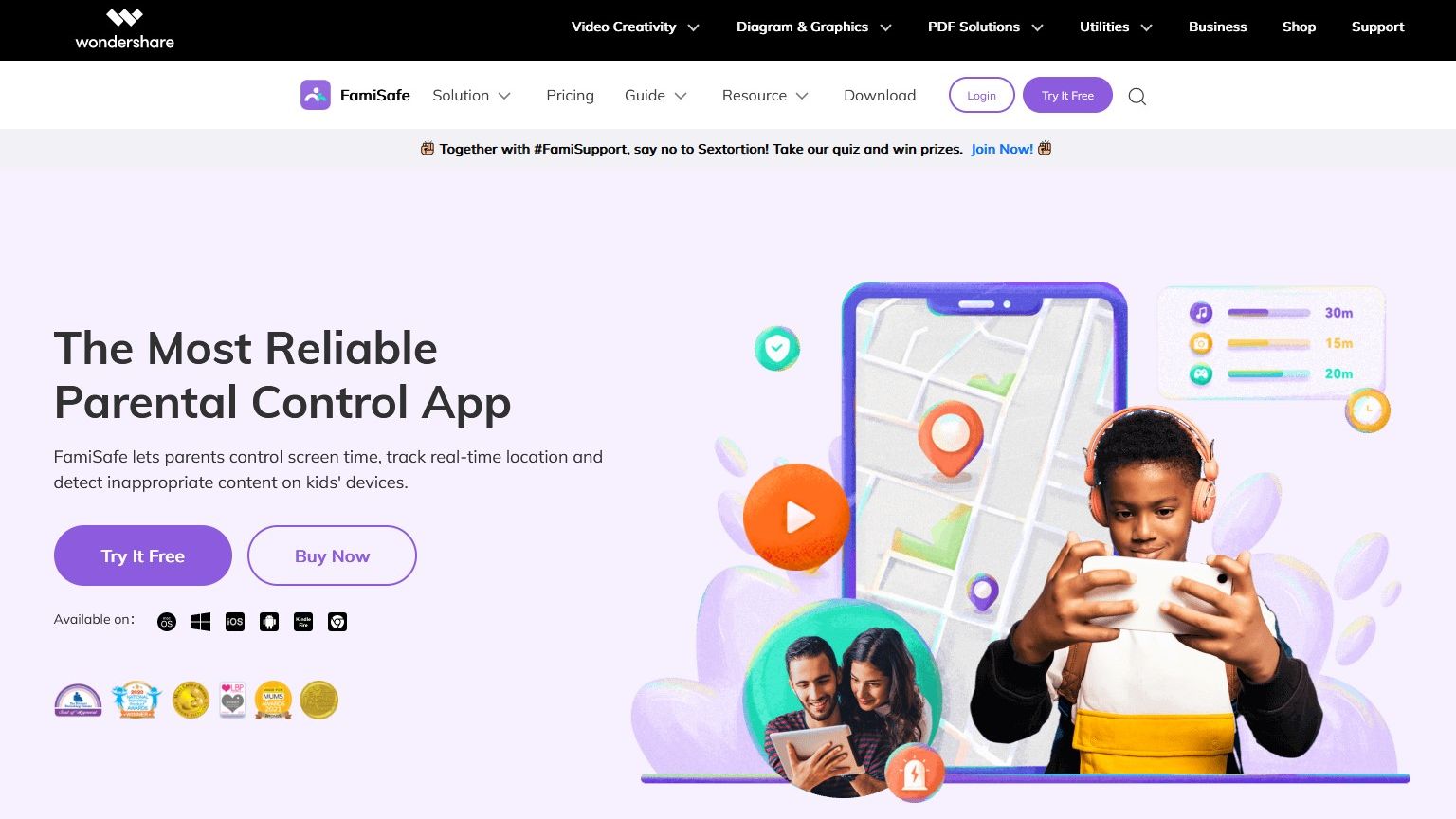 FamiSafe is a new-fangled online protection and parental control. It helps families control the use of devices and activities on the internet. It provides real-time tracking of apps, screen time, and browsing.
With developed AI capabilities, dangerous material is identified across different platforms. The reports on activities and usage can be seen in a single location by parents. Limiting screen time helps reduce the excessive use of smartphones by kids. FamiSafe app blocking can easily enable the management of installed applications. The geo-tracking coupled with alerts, ts enhances family safety and awareness.
- Track messages and dialing on the phone.
- Look at the use and the log of instant messaging apps.
- Limit screen time or establish daily limits.
- Monitoring Browsing history, applications.
- Take screenshots of activities to be aware of.
Pros and Cons:
|
Pros |
Cons |
| Remote screens time control to improve digital behaviors. | Weak higher social media monitoring functionalities. |
| Blocking the capability of unwanted or harmful applications. | There is no background audio monitoring. |
| Basic and easy-to-use dashboard. | It can be a slight delay in location updates. |
| Effective web filtering, to browse safely. |
Google Family Link
Google Family Link is an extension of Google parental controls. It was introduced to enable parents to control the use of digital devices by children. Over time, it has developed into a trusted cross-platform safety solution. It is compatible with Android and iOS devices and is free.
This is a good choice if you need a free family safety app. It enables parents to have control over apps, screen time, and device activity. You may also see location sharing in a bid to know the whereabouts of family members. The app provides real-time updates to enhance awareness and supervisory control. It does not have the advanced tracking features, but is concerned about safe and controlled usage. You can also set boundaries and receive notifications about changes in device activity.
Pros and Cons:
|
Pros |
Cons |
| No subscription fees, and can be used freely. | Lack of any advanced tracking or geofencing capabilities. |
| Both Android and iOS compatible | Weak social media monitoring. |
| Basic screen time management controls by parents. | Simple location sharing, rather than sophisticated tracking. |
| Simple blocking of applications and monitoring of their use. |
Check Before You Get Family Tracker Apps: The Important Attributes to Consider
It is necessary to know what features are really important before choosing an app to track. A good app must provide good performance, security, and convenience to families. All of these platforms offer features that are actively implemented and run smoothly. The good thing is that there are no performance issues.
By considering these aspects, you can select a secure and efficient tracking solution. The features listed below are the most important to consider.
Device Compatibility
An effective tracking application should be compatible with Android and iOS. It also needs to be compatible with other versions of the system without causing performance problems. Extensive compatibility means that everyone can use the app without difficulties.
Battery Usage
The application must be able to operate in the background and not consume the battery. Power consumption is efficient, meaning it is tracked all day long. Minimal battery usage enhances the device’s performance and experience.
Privacy & Security
Good security is needed to safeguard personal and family information. Encryption should be employed in the app to ensure that all information is secured. Privacy settings allow users to have confidence and ensure tracking.
Tracking Accuracy
The primary objective of these apps is to track accurately in real-time. They must be able to give accurate location and activity changes in real time. Greater accuracy will help parents respond promptly in critical situations.
Background Operation
The application should be silent and not interfere with normal phone usage. It should be able to run without any interruptions and mistakes in the background. This ensures it will continuously monitor without interfering with the user experience.
Customer Support
It should be reliable at solving problems quickly and effectively. Good apps have a quick response in the form of chat, email, or a help center. The high level of support builds trust and enhances user satisfaction in the long run.
Final Words:
TheOneSpy is the best phone tracker app for keeping your family safe. With powerful features like live screen recording, ambient listening, and social media monitoring, you can stay on top of your kids’ digital activities. The location tracking ensures you always know where your children are. No other app compares in terms of robust features and ease of use.
While decent family tracking apps like OgyMogy, FonSee, SecureKin, Bark, Life360, mSpy, Famisafe, and FamilyLink do not offer the full package that TheOneSpy does. TheOneSpy is the only app you need.
FAQs: Keep Your Loved Ones Safe with the Best Family Tracking Apps
What is a Family tracking app?
Family tracker app keeps you informed about the loved ones’ messages, locations, social media profiles, app usage, and activity reports to ensure safety.
Is the Family Safety app legal?
Yes, it is legal, but when both parties agree, or the guardian or parents take the kid’s life seriously. However, with proper consent, specifically in your case, it is crucial; otherwise, it is disobeying the law.
Can Family Tracker apps run in hidden mode?
Yes, many applications have stealth mode, like TheOneSpy, fonSee, and OgyMogy. Where tracking is possible without an icon or notification on the tracked device.
Is my Family’s data safe on these apps?
Yes, on the reliable apps, TheOneSpy, OgyMogy, FonSee. They often check and secure data using encryption to protect personal information and other data. But always check the app’s privacy settings before choosing.
Can I monitor social media or calls with a Family Tracker?
You can monitor messages, call logs, and social media activity with TheOneSpy. It is a leading app that has the ability to track phone activity to protect your whole family.
Can Family trackers help find a lost or stolen phone?
Yes, many family trackers include GPS tracking to quickly locate stolen or lost devices.