As a concerned parent or responsible business owner, monitoring Mac devices begins with having clear visibility into how those devices are being used by the people in your care. The best tracking software for Macbook stands out because of its stealth monitoring capabilities, powerful feature sets, and advanced tracking tools that work seamlessly behind the scenes. The best Mac tracking software enables you to keep an eye on your loved ones, maintain productivity, and protect your business from online risks.
In this blog post, we will explore the capabilities of the best Mac monitoring apps to spy on Mac PCs and learn which tool is the best for your needs in 2026. It’s important to remember that monitoring children or employees comes with ethical responsibilities. Monitoring children and employees raises ethical concerns, so research local laws and use tracking judiciously before installing any software.
What is Mac Monitoring Software
Mac tracking software is designed to monitor activity on macOS computers. Parents and employers often use these monitoring apps to ensure safety and productivity. Sometimes individuals use tracking software to secure their own systems from misuse or unauthorized access. Mac monitoring software allows recording keystrokes, browsing history, screen recording, taking screenshots, viewing emails, and locating the Mac device.
Best Tracking Software for Macbook: Complete Guide
Finding the best tracking software for MacBook in 2026 is essential for parents, employers, and individuals who want complete visibility and security on their Mac devices. With powerful monitoring features, real-time activity logs, and advanced stealth modes, today’s top Mac trackers make it easier than ever to safeguard loved ones, protect business data, and maintain digital accountability.
TheOneSpy: Mac Monitoring
TheOneSpy is the most excellent Mac tracking app for spying on Mac PCs in 2026, with its advanced features and affordable prices. This software is designed to work in the background, specially designed for kids and businesses to be safe and sound.
TheOneSpy is a complete Mac monitoring solution with powerful features, affordable pricing, an easy interface, and great support. Fully compatible with the latest macOS releases, including macOS 26 Tahoe, macOS 14 Sonoma, and macOS 13 Ventura. TheOneSpy tracker works seamlessly across all major Apple devices. Whether you’re using a MacBook Air, MacBook Pro, iMac, or Mac Studio, the software delivers smooth performance and reliable monitoring.
If you want a powerful yet budget-friendly way to monitor Mac activities, TheOneSpy is a perfect choice.
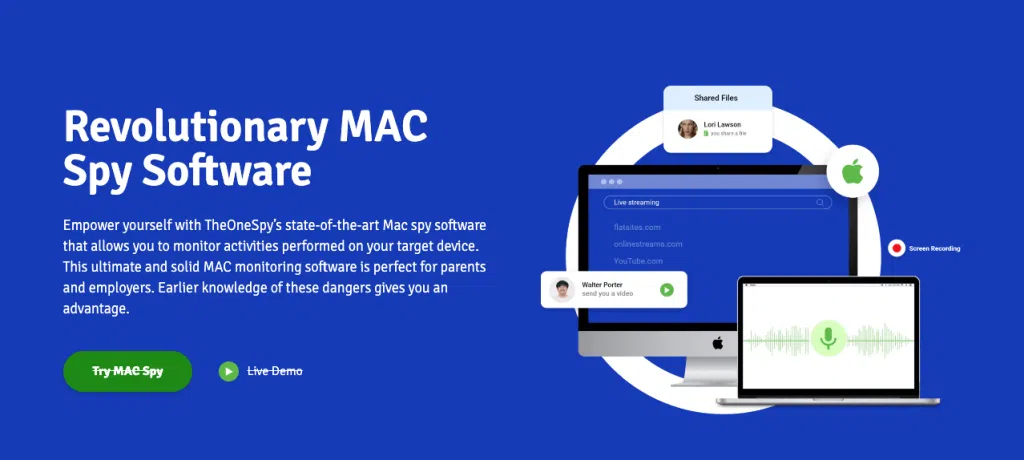
Powerful Monitoring Features
TheOneSpy gives access to the powerful features of live screen recording, keylogging, location tracking, web history monitoring, and social media tracking. It takes screenshots, monitors messages, tracks visited sites, and records keyboard strokes.
Location Monitoring
Location tracking allows users to track the real-time and historical locations of a Mac device. With this feature, parents and employers can stay informed about where the device is being used and identify unusual or unauthorized movements. It provides detailed location logs, helping you ensure safety, verify activity, and maintain oversight of device usage at all times.
Social Media Monitoring
TheOneSpy app has the ability to monitor social media activities in real-time. This includes all the chat messages, calls, posts, and any other types of interactions. This makes the user able to maximize on the safety measures of their kids hence have peace of mind.
Keystroke logging
Keystroke logging allows users to record every keystroke typed on a MacBook. This feature helps parents and employers monitor searches, messages, login attempts, and other typed activity to understand how the device is being used. It provides detailed logs of all keyboard input, ensuring complete visibility, detecting potential risks, and maintaining accountability on the device.
Screen Recording
Screen recording allows users to capture live or periodic screenshots of a MacBook’s display. This feature helps parents and employers see exactly what is happening on the device in real-time, whether it’s web browsing, chatting, gaming, or accessing sensitive files. By providing visual evidence of on-screen activity, screen recording ensures complete transparency, helps identify risky behavior, and maintains accountability on the device.
Stealth Mode and Security
TheOneSpy works in stealth mode, and all its processes run in the background without the user being notified. It does not appear on the app list or dock. Your data is encrypted and secured.
Support and Updates
TheOneSpy provides 24/7 live chat support and updates its software regularly to keep the app running smoothly. Software updates contain security patches and the latest features.
In conclusion, TheOneSpy is a complete Mac monitoring solution with powerful features, affordable pricing, an easy interface, and great support. If you want a powerful yet budget-friendly way to monitor Mac activities, It is a perfect choice.
Easy to Install and Use
You just have to purchase a plan, download the software on the target Mac, enter the license key, and you are ready to monitor. The control panel is simple and intuitive, and you can access monitored data from anywhere.
Affordable and Flexible Plans
TheOneSpy offers flexible and affordably priced plans starting from $6/month. It has three subscription plans: Monthly, Quarterly, and Yearly, which have advanced features.
ОgyMogy: Tracking Software for Mac
OgyMogy will be one of the leading Mac tracker applications in 2026, offering robust monitoring capabilities for personal and business use. Its features include live location tracking, web browsing history reports, social media monitoring, and keyword alerts.
OgyMogy MAC tracker software to spy on Mac PCs provides an easy installation process that takes only a few minutes. However, for parents and employers prioritizing safety and security, OgyMogy emerges as a top choice for Mac tracking in 2026 due to its robust yet discreet monitoring capabilities.
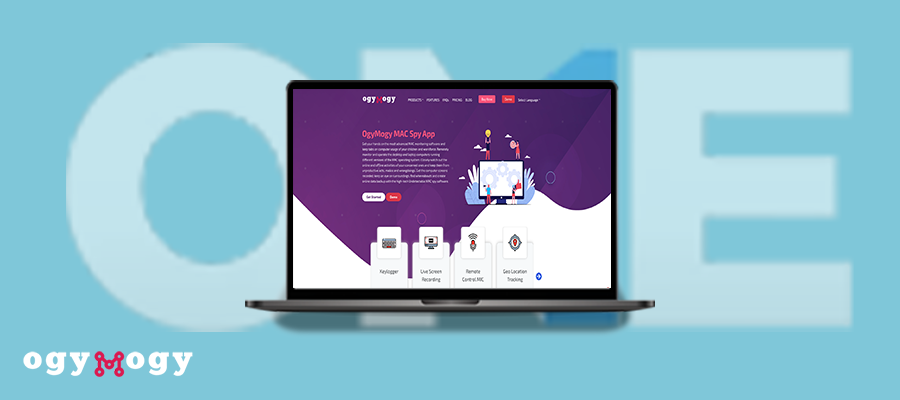
Advanced Location Tracking
The OgyMogy software uses GPS signals and a Wi-Fi network to locate the exact location of the target Mac computer. Every few minutes, the user’s location is updated, enabling you to track their trail and current location. The user does not know when he is being tracked by the location tracking that is done in stealth mode. This specification is good for tracking the location of children and employees.
Web Browsing and App Tracking
OgyMogy allows you to track the web browsing activities of the target device which include tracking the visited URLs. It also monitor amount of time spent on the websites visited and search engine queries. It also tracks application use, capturing data about the applications used and their time periods. These reports give us some idea of how the device is being used and whether inappropriate content is being accessed.
Social Media Monitoring
With OgyMogy, you can see messages, posts, comments, and media files from Facebook, WhatsApp, Snapchat, and Telegram. You can also get alerted whenever intriguing behavior is detected. This level of monitoring is a watchdog for parents and employers who are worried about cyberbullying, online predators, or data leakage.
Stealth Mode
OgyMogy functions in stealth mode, which is unknown to the user. When it has become operational, it hides the icon and functions in the background to go unnoticed. Furthermore, it offers many features like tamper protection, which prevents the user from removing the app without a password; thus, the monitoring is uninterrupted.
OgyMogy Pricing
OgyMogy is one of the affordable tracking software. It provides 3 plans: basic, extreme, and standard, starting from $8.25 per month. You can choose any plan according to your monitoring needs.
OgyMogy MAC tracker software to spy on Mac PCs provides an easy installation process that takes only a few minutes. However, for parents and employers prioritizing safety and security, OgyMogy emerges as a top choice for Mac tracking in 2026 due to its robust yet discreet monitoring capabilities.
FlexiSpy:
FlexiSpy is a powerful Mac monitoring software that runs in hidden mode and offers a variety of advanced monitoring tools. Its stealth ability makes it possible to monitor devices without the user being aware of that. Mac monitoring tool FlexiSpy empowers you to view messages, track locations, monitor app usage, and more, all undetected. Flexispy offers comprehensive monitoring solutions for Mac computers. Some of the advanced features include:
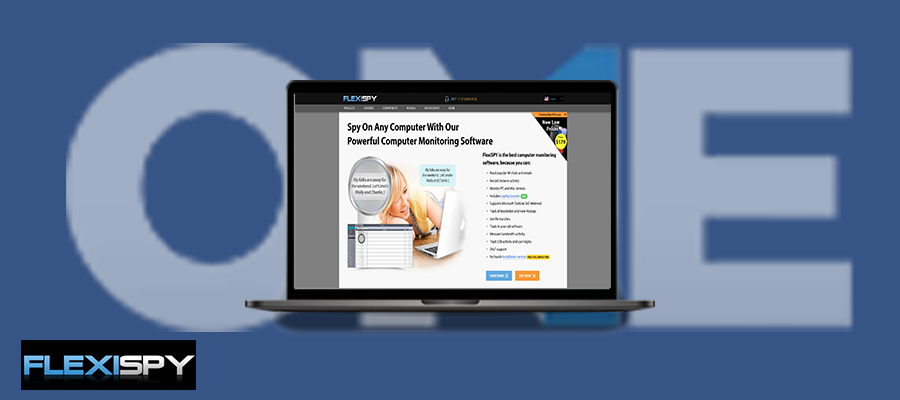
Location Tracking
See the location history and be notified when a device enters or leaves a certain area.
App Usage
You can monitor the duration of time spent on each app. Moreover, you will also receive reports on app starts, closes, and uninstalls.
Keylogging
Monitor all keystrokes that were typed on the Mac, including passwords, search terms, and chat messages.
Screenshots
At scheduled intervals or upon demand, take a screenshot of the Mac screen.
Browser Monitoring
Track which websites are visited, see bookmarks, view search terms, and more.
SpyEra:
Spyera is a popular Mac tracker app that operates in stealth mode. It allows you to monitor Mac activities without the user’s knowledge. Spyera records texts, calls, GPS locations, web history, and more. It then uploads the data to your online account for viewing.
While SpyEra most expensive Mac tracker app, Spyera is a reputable option for comprehensive Mac monitoring and tracking. With its stealth mode operation and detailed reports, Spyera gives you valuable insights into how a Mac is being used. For concerned parents or employers, Spyera can provide peace of mind and help ensure safe technology use.
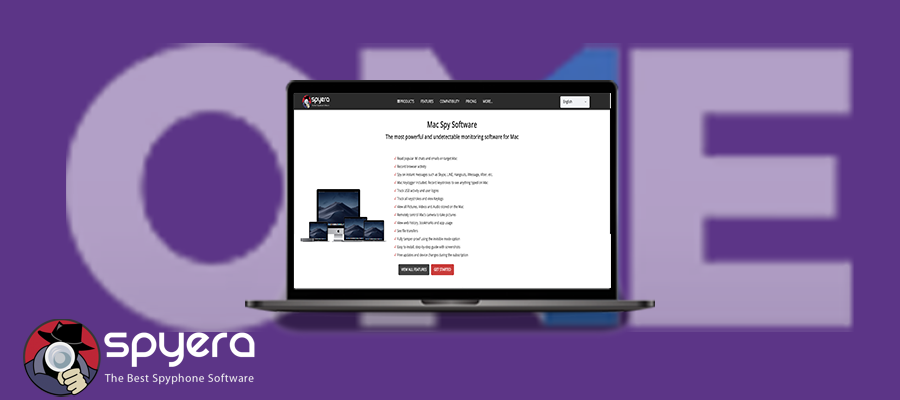
Keylogging and Screenshots
Spyera also has keylogging and screenshot capabilities. The keylogger records each key typed on the Mac, even if the user has deleted the data. The screenshots are done at the interval you select, and they include a picture of the user’s screen and activities.
Easy Installation Process
Installation only takes two minutes. You create a Spyera account, select a subscription plan, and download the installation file to the target Mac. The app icon is hidden from the user, and it begins recording data as soon as it’s installed.
Control Panel and Alerts
The control panel of your Spyera account is simple to use to review data and tweak settings. You can see places, text messages, call records, emails, web history, and more. You can also use alerts to know when certain events happen, e.g., when the user visits the prohibited website or utilizes the banned app
Pricing and Customer Support
Spyera offers a 10 days money back guarantee and three paid subscription plans, starting at $49/month. It also offers 24/7 customers support to help with any issues installing or using the app.
While not the cheapest Mac tracker app, Spyera is a popular, reputable option for comprehensive Mac monitoring and tracking. With its stealth mode operation and detailed reports, Spyera gives you valuable insights into how a Mac is being used. For concerned parents or employers, Spyera can provide peace of mind and help ensure safe technology use.
Realtime-Spy:
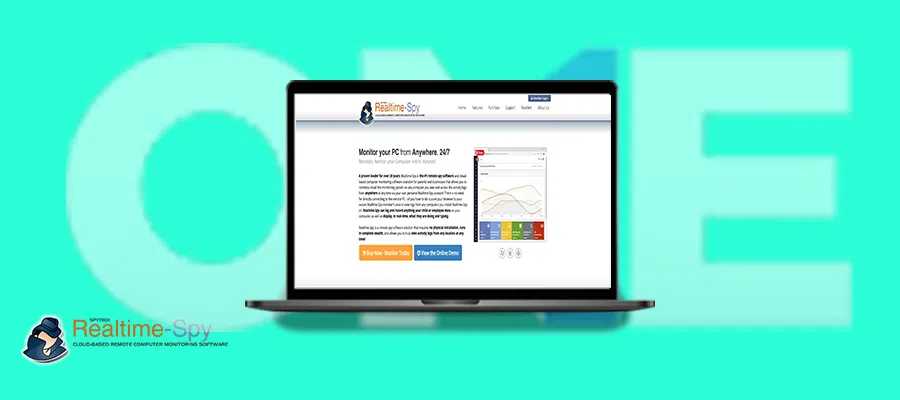
Realtime-Spy is an efficient and affordable Mac monitoring solution for individuals and businesses. Being one of the most popular, It features the latest tools and secrets to efficiently monitor your Mac activities invisibly.
Realtime-Spy is a powerful yet affordable Mac monitoring solution for personal and business use. With its stealth mode operation and insightful reporting features, Realtime-Spy provides an easy way to gain visibility into how a target Mac is being used. Realtime-Spy is a compelling choice worth considering for budget-conscious users looking for a solid Mac tracker.
Comprehensive Monitoring
Realtime-Spy allows you to monitor all critical aspects of a target Mac device. You can view messages, emails, browser history, Keystrokes, screenshots, app usage, and location.
Powerful Reporting
Realtime-Spy generates insightful reports on the target user’s digital behavior and activities. Reports include most visited websites, most used apps, suspicious messages, keylogging reports, and location reports.
Stealth Mode
In a stealth mode, Realtime-Spy is 100% invisible on the target Mac. The app icon and the application list will be behind the dock. Also, there will be no notifications and alerts on the screen. This way ensures the user’s privacy and also allows you to track their activities.
Affordable Pricing
Realtime-Spy offers competitive pricing plans starting from $79.95 to $99.95 per year. Choose between the Standard edition and Plus edition plans depending on your needs.
Each plan allows you to monitor 1 Mac device, with the higher-tier plans including more advanced features.
Webwatcher:
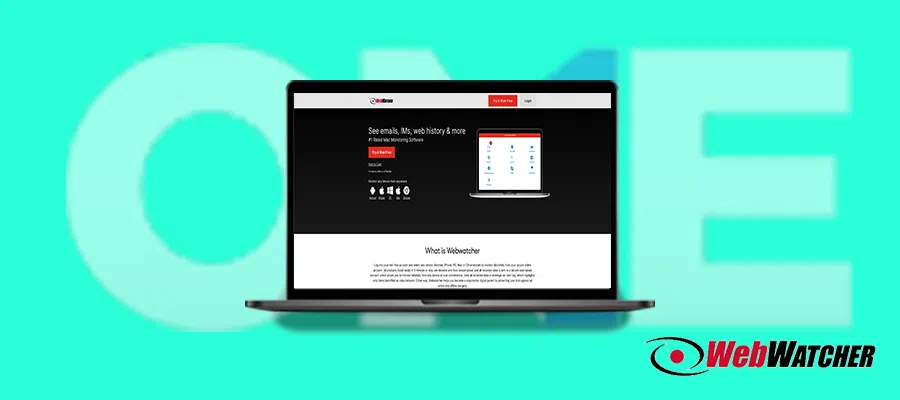
Webwatcher is one of the most powerful Mac monitoring tools. It allows you to see call logs, text messages, emails, web browsing history, GPS locations, and social media activity. Webwatcher also features ambient recording, keystroke logging, and screenshot-taking. While Webwatcher does have some downsides, like a lack of advanced security tools and no free trial. The features, ease of use, and affordable pricing make Webwatcher a robust choice for tracking activities on Mac devices. With regular updates, Webwatcher continues to improve and add new functionalities to benefit users.
Very Simple to Install and Use
Web Watcher is a very easy-to-use and set-up program. You need to buy the subscription, install the app on the target Mac, and get it linked to your Webwatcher account. It quietly works in the background and does not appear in any task manager or other application list. With Webwatcher, the user can check Mac activities remotely through the dashboard anytime, anywhere. The user-friendly interface makes navigation of monitored data easy.
Affordable Pricing
Webwatcher is one of the most affordable Mac monitoring solutions. Subscription plans start at just 10.83 per month. Webwatcher does not charge activation or cancellation fees.
Round-the-Clock Customer Support
Webwatcher offers round-the-clock support via chat, email, and phone. The customer service is very knowledgeable if you experience any difficulties with the app installation or operation.
Final Words: Best Mac Tracker Apps
You now have the top 6 Mac tracker apps for 2024. While each has pros and cons, TheOneSpy and OgyMogy mac tracker app to spy on mac pc stand out for their stealth mode and robust feature sets to keep your kids and business safe. Carefully review each to determine the best fit for your needs.
With any of these trackers, you gain more visibility and can protect your loved ones. Approach these powerful tools thoughtfully and use them to build trust, not invade privacy. As technology rapidly evolves, revisit your choice annually to ensure you have the ideal Mac tracker.
Frequently Asked Questions (FAQs)
With many Mac trackers available, selecting one depends on your specific needs. For employee and parental control monitoring, options like TheOneSpy or OgyMogy provide advanced-level tracking and management features such as location tracking, Keylogger, screen recording, content filtering, and alerts.
TheOneSpy Mac monitoring software monitor device activity and usage. The track aspects such as websites visited, social media messages, keystrokes typed, screen recording, applications used and also track location and provide alerts if certain parameters are met. The trackers run in stealth mode, so the user is unaware of the monitoring.
Yes! Mac monitoring apps are legal when installed on devices you own or when you have proper consent from the user. For workplaces, written monitoring policies are usually required.
Yes, some Mac tracker apps offer stealth mode like TheOneSpy, which allows monitoring without the user noticing. The software hide their icons, run quietly in the background, and do not appear in regular app menus. Parents can monitor devices owned by them to ensure safety, employers must follow workplace laws.
while the technology allows discreet monitoring, you are responsible for ensuring it is used legally, ethically, and only for safety or business reasons.
Yes! Mac monitoring software require one-time physical access to the device for installation and configuration. You can remotely monitor device activity after complete configuration.
Yes! You can usually use the same account to monitor multiple Macs—depending on the tracker app and your subscription plan. The user must add a new license or subscription for each device. The software is designed to support more than one device under a single dashboard, making it easier for parents to monitor several kids’ devices or for businesses to track multiple employee computers.